Back pain is a civilisation disease and one of the leading causes is our sedentary lifestyle. It is one of the most common reasons people go to the doctor or miss work, and it is a leading cause of disability worldwide.
To address this issue together with Dynaback's team of engineers and data scientists, we've started working on a specialised mobile app for wearable technology, focusing on spine-related health and movement. The backbone of the product is a smart t-shirt which, through an array of sensors, captures the dynamics of your body, processes the data, and sends it via Bluetooth technology to your smartphone. The device and the app give you direct feedback through instant signalisation- reminding You to stay active, custom exercise programs, sessions with physiotherapists and analytics.
Additionally:
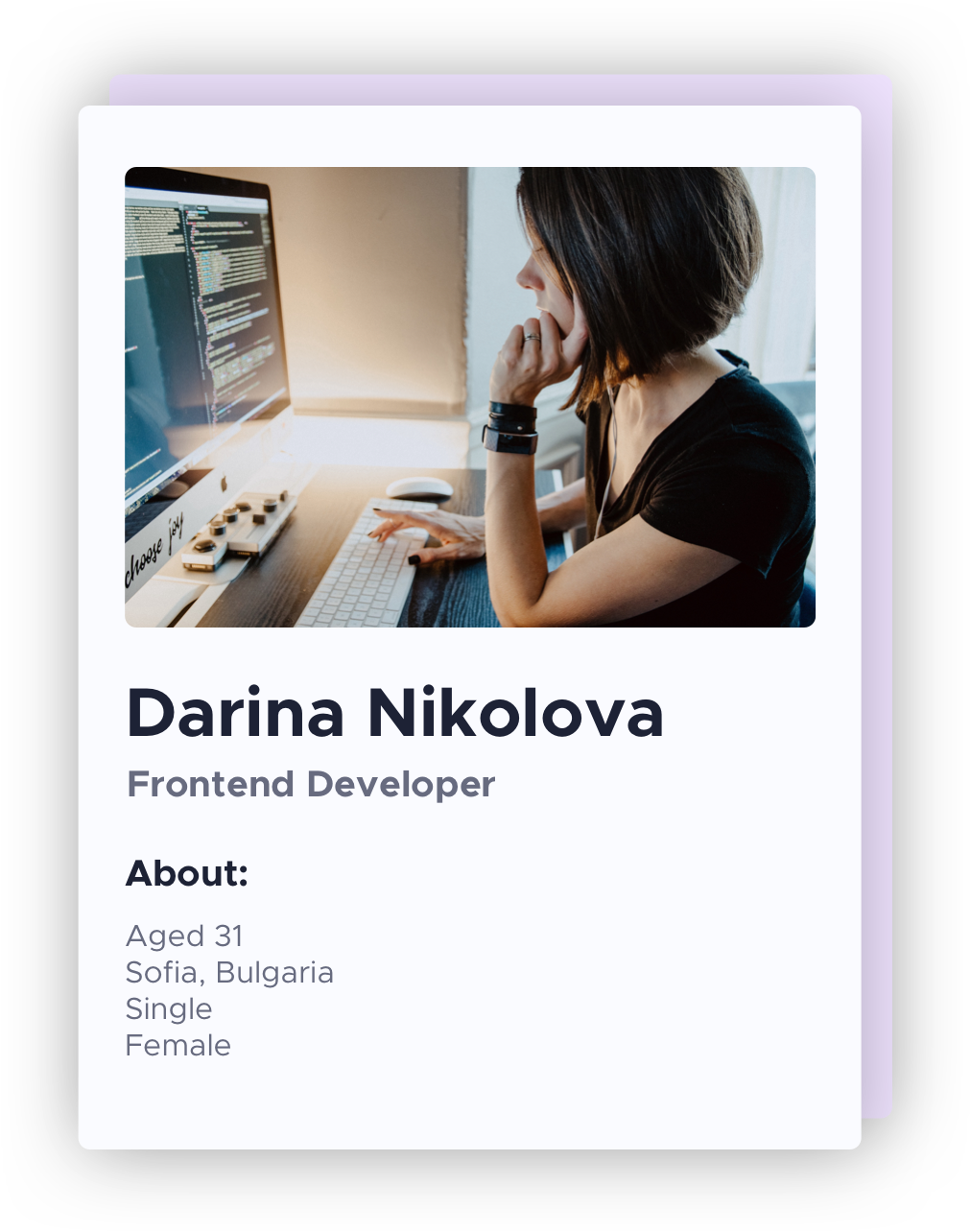
Darina has recently changed careers - from web designer to web-developer. It’s been nearly a year since she’s been at her current job and she’s quite excited about the work. She wants to make good impression in front of her bosses and colleagues and would often stay up late to get the job done. She’s the type of person that would sacrifice personal time in order to build something meaningful and complete (often working on personal projects as well). When she has time she reads on professional industry related topics and self-development and health. She wants to be ahead in her game and appreciates time-saving services and apps. Often experiences migraines, brain fog, back pain due to her spending long hours in front of the computer but would not afford to waste time on chiropractitioners (thinks there are no professionals where she lives) or special training. She relays on moderate medication and tries to do short morning exercises presented by her fitness and meditation app.
∙Tech Wiz
∙Strava, Health, 7, Headspace, DuoLingo, Spotify, SkillShare
“Here, you see, it takes all the running you can do, to keep in the same place,” the Red Queen tells Alice. “If you want to get somewhere else, you must run at least twice as fast as that!” (Lewis Carroll, Alice in Wonderland)
No one can keep up with the Red Queen. And running faster doesn’t help if you’re pointed in the wrong direction. It’s time to rethink the whole model. (Michael Hyatt, Free to Focus)
As a user I want to be able to relive backpain and prevent brain fog while I’m working, so that I can stay productive and be on top of my game.
1. Improve my wellbeing and spinal health, improve concentration and reduce back pain, neck stiffness, headaches, brain fog to stay productive
2. Have long lasting results
3. Prevent back pain, stiffness, irregular posture on a daily/hourly basis
4. Track progress - daily, monthly etc.
5.Relief back pain and stiffness in a cost- and time- efficient way. 6. Contact Professionals to get advice and treatment for my specific problem
1. Build returning users base
2. Get subscriptions
3. Increase sales for Dynaback T-shirt
4. Be credible
1. By combination instant preventive feedback, analytics, specialised training and health advice provision
2. Habit-forming by goal setting and analytics
3. By track their posture and movement in real time
4. analytics screen
5.personalised short training sessions (15 min max) that fit in your busy schedule - for free, free consultation with professional
6. Contact handpicked Professionals online, even locate the nearest located one to You
1. Build user base by providing value
2. Some features are “locked” until signup, the core feature of notifications and measuring movements and posture are available even for non-subscribers
3. STA and providing value (training sessions, professional feedback) inform of what You’re missing out on - posture tracking, analytics and goal-setting.
4. brand identity and tone of voice, landing page, deliver and provide support
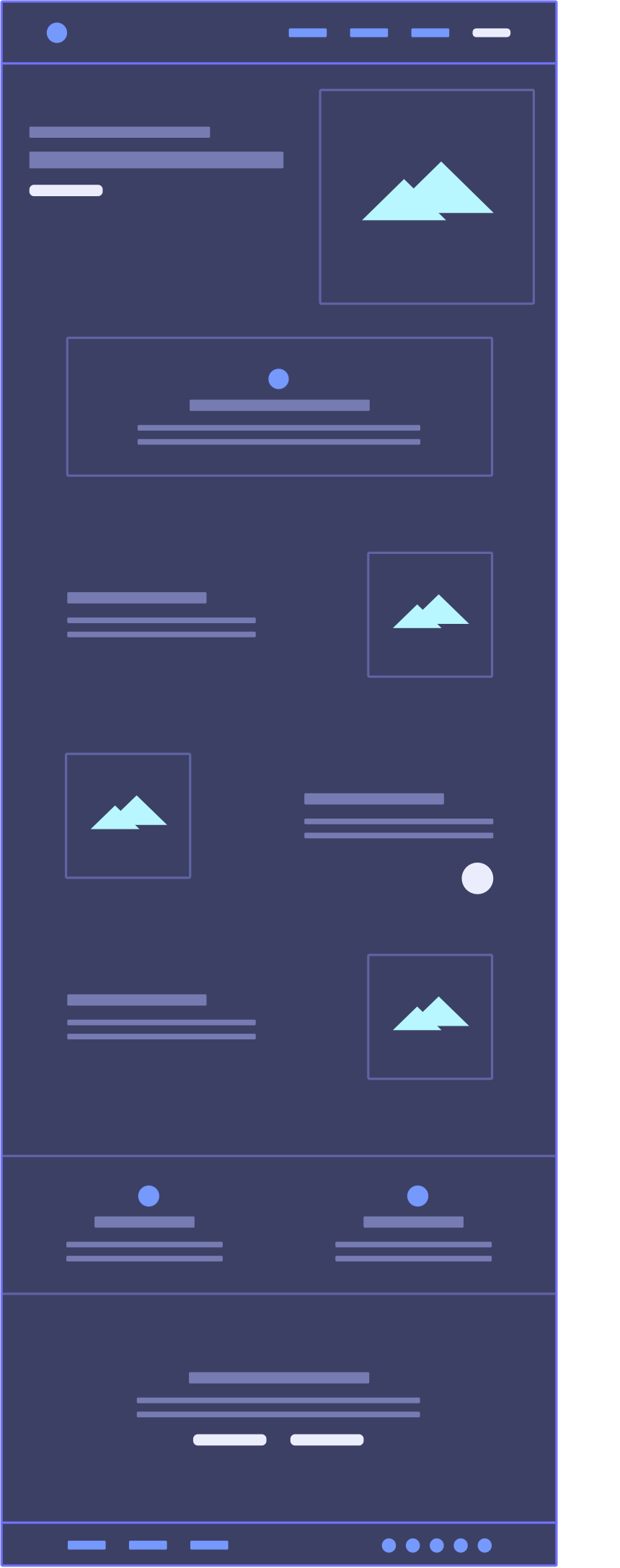
01. Navigation and Login fast access
02. Hero section. A "What we do and how can we help You" statement - in one sentence. Main STA - “Try the demo”. Animated illustration to represent what we do at the background.
03. A paragraph on - what makes our product special and how it will improve your processes.
04. Main features and how they bring value to the customers. Animated illustrations to visually describe the usecases.
05. A chatbot (sticky position)
06. Who’s it for? Recognizing the target groups and main benefits for each target group.
07. Why You should try out the product. STA - main: “Try the demo” , secondary :”Contact us”
08. Why You should try out the product. STA - main: “Try the demo” , secondary :”Contact us”
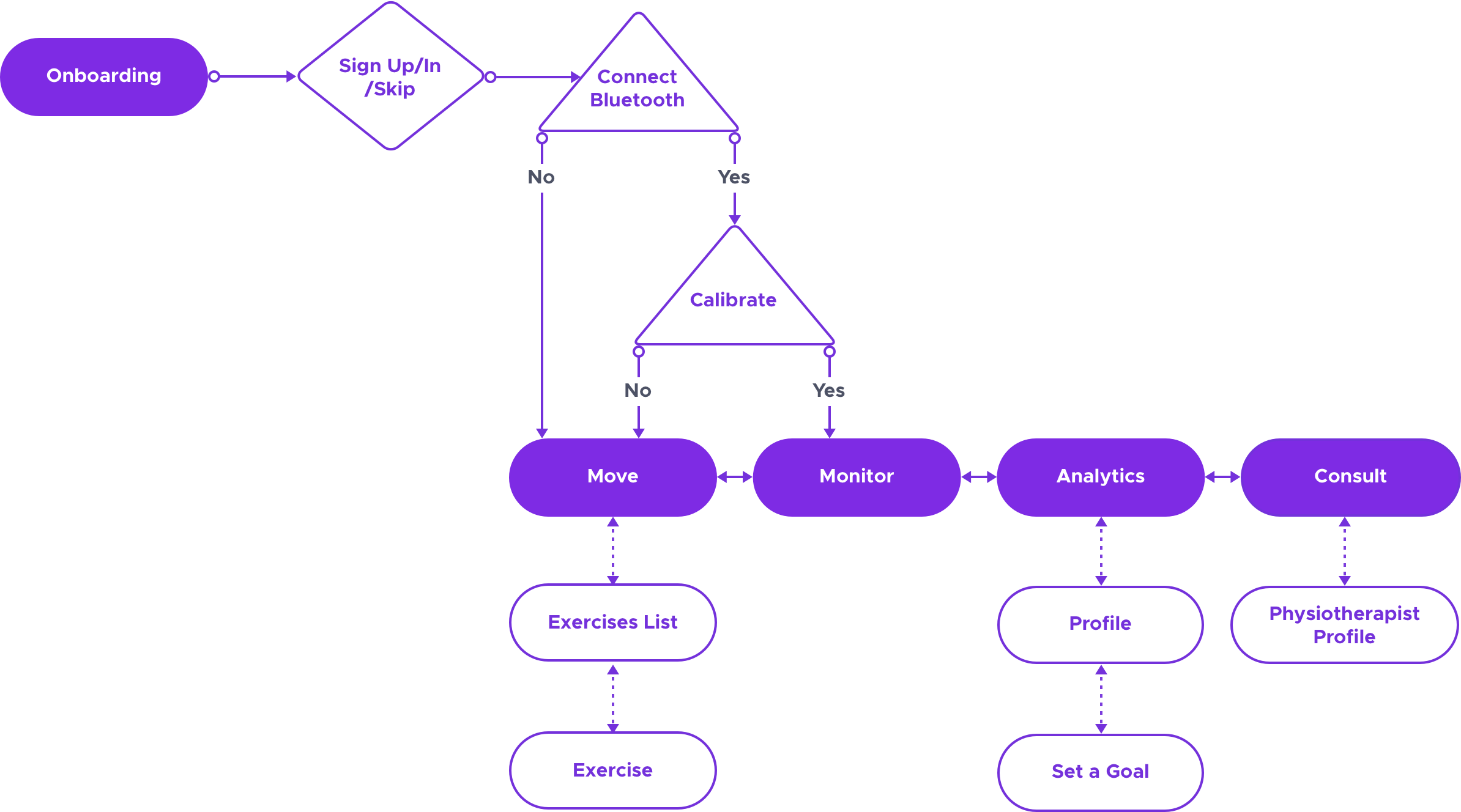
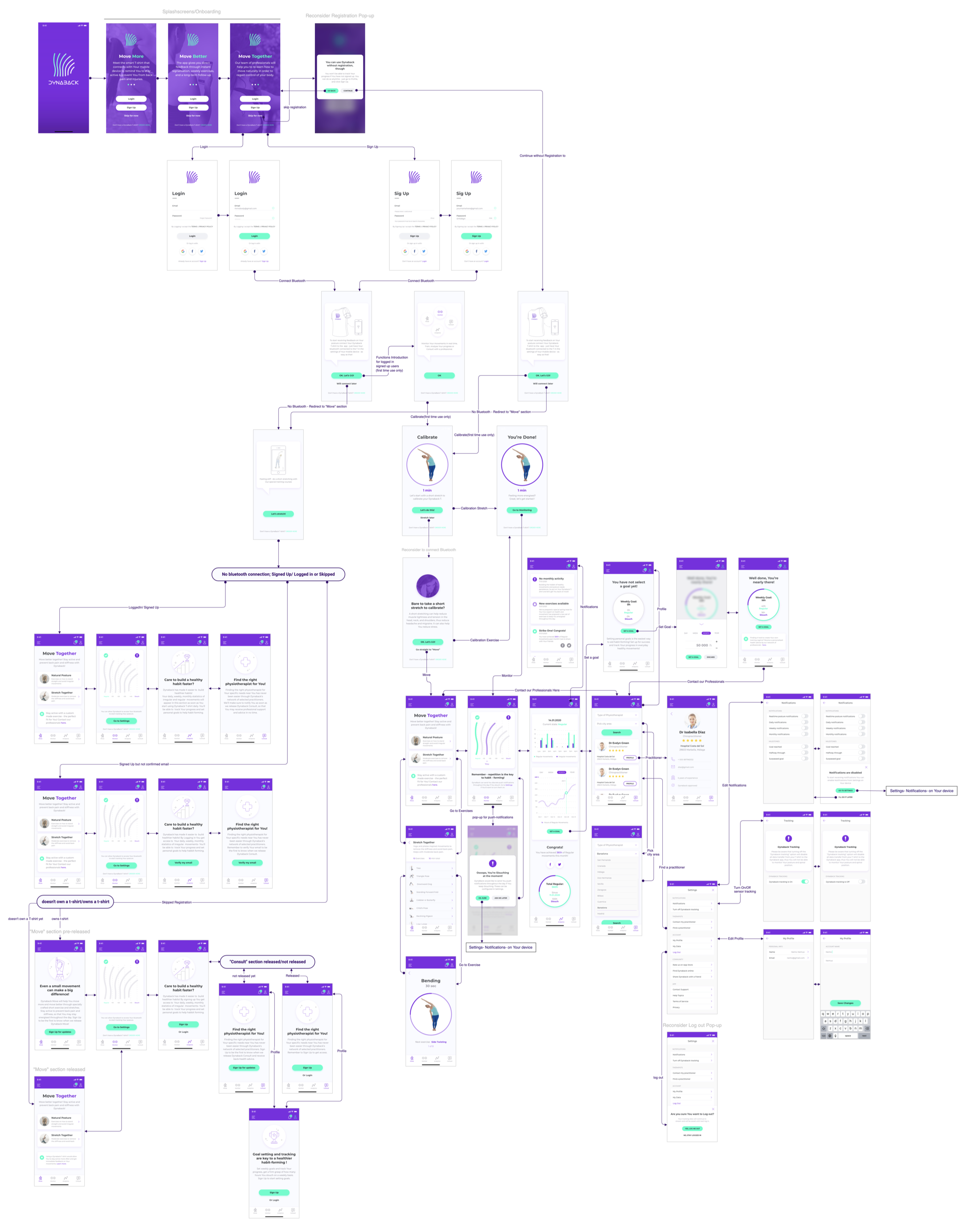
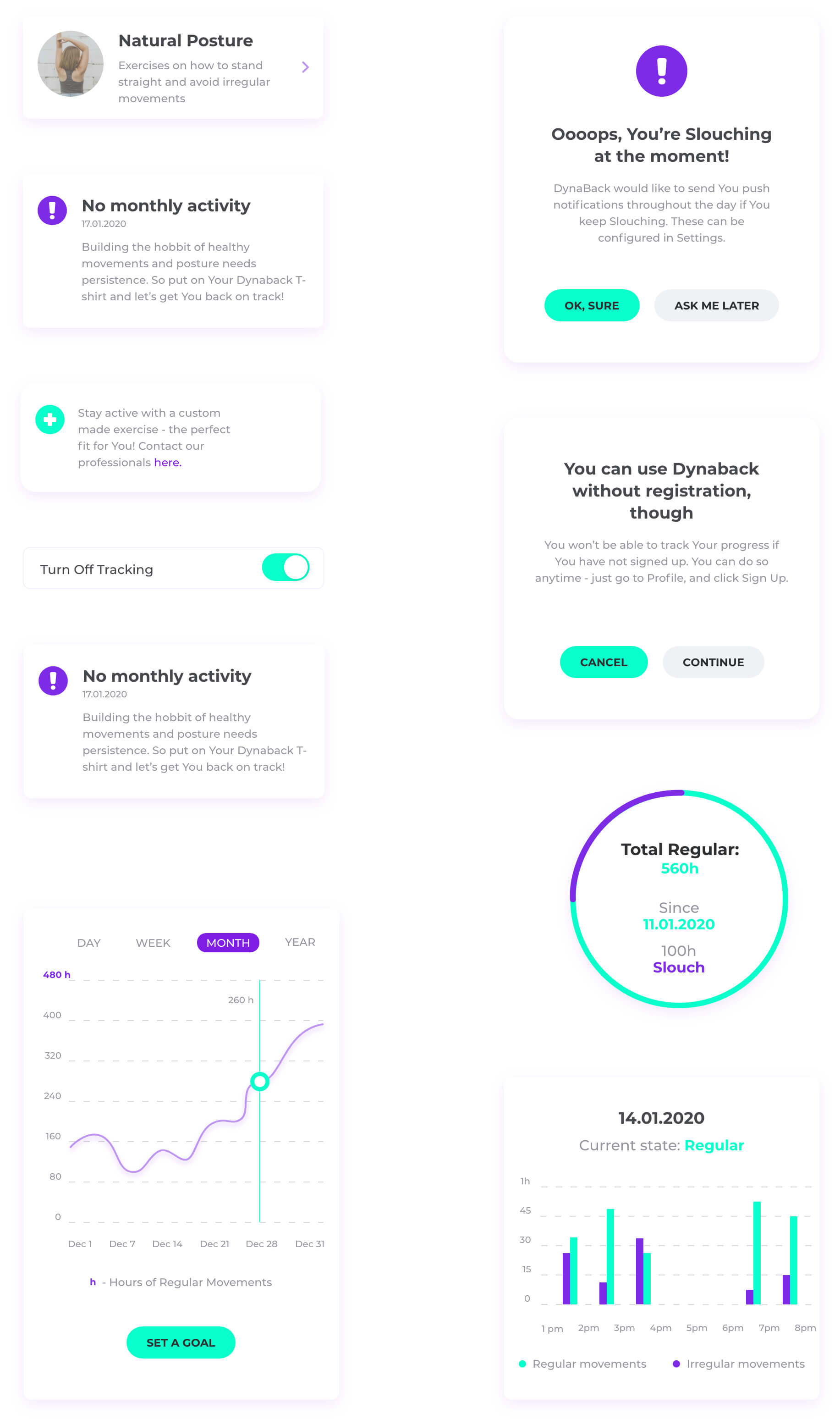
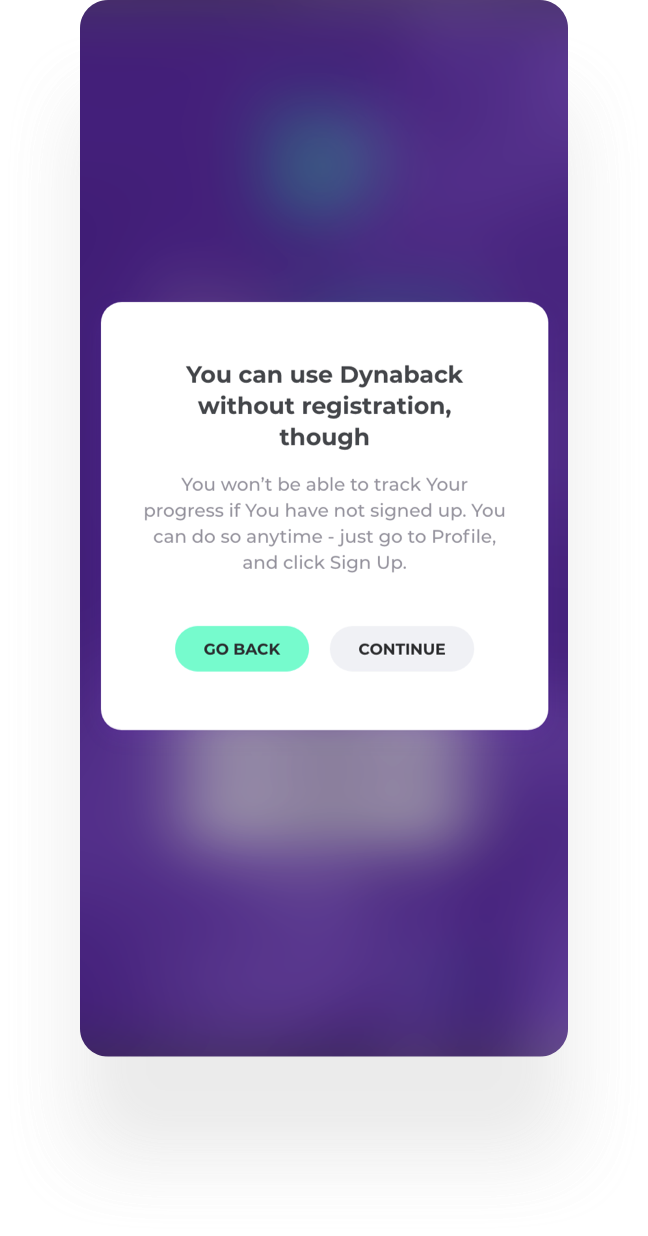
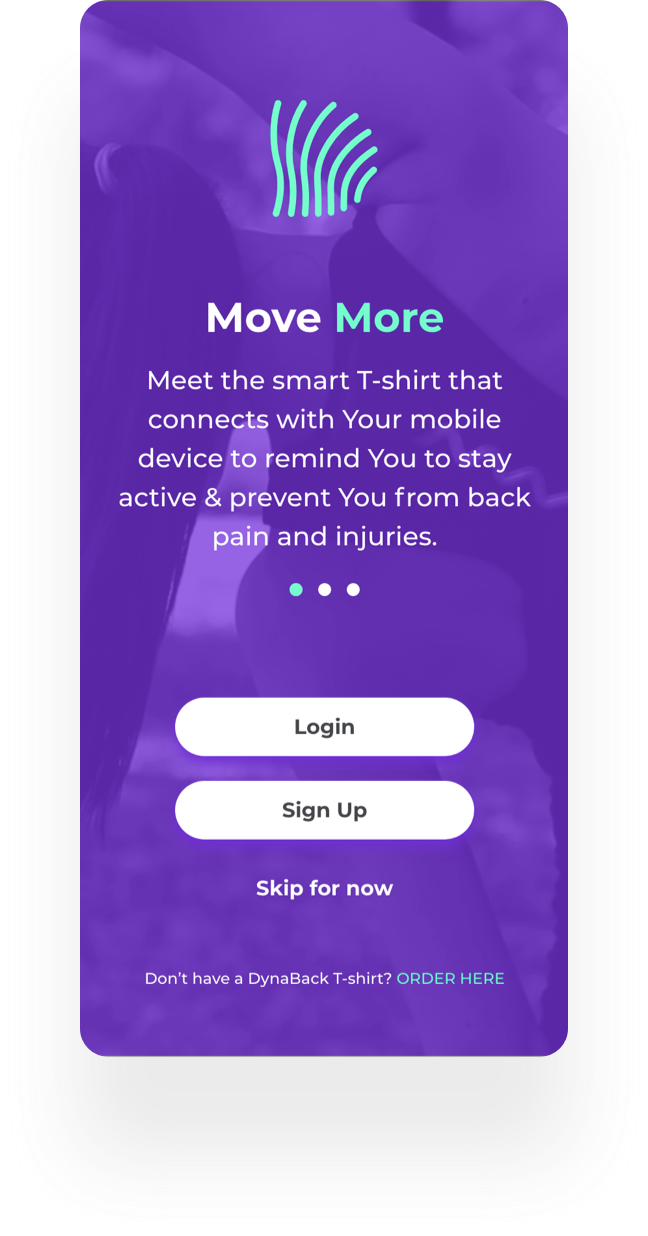
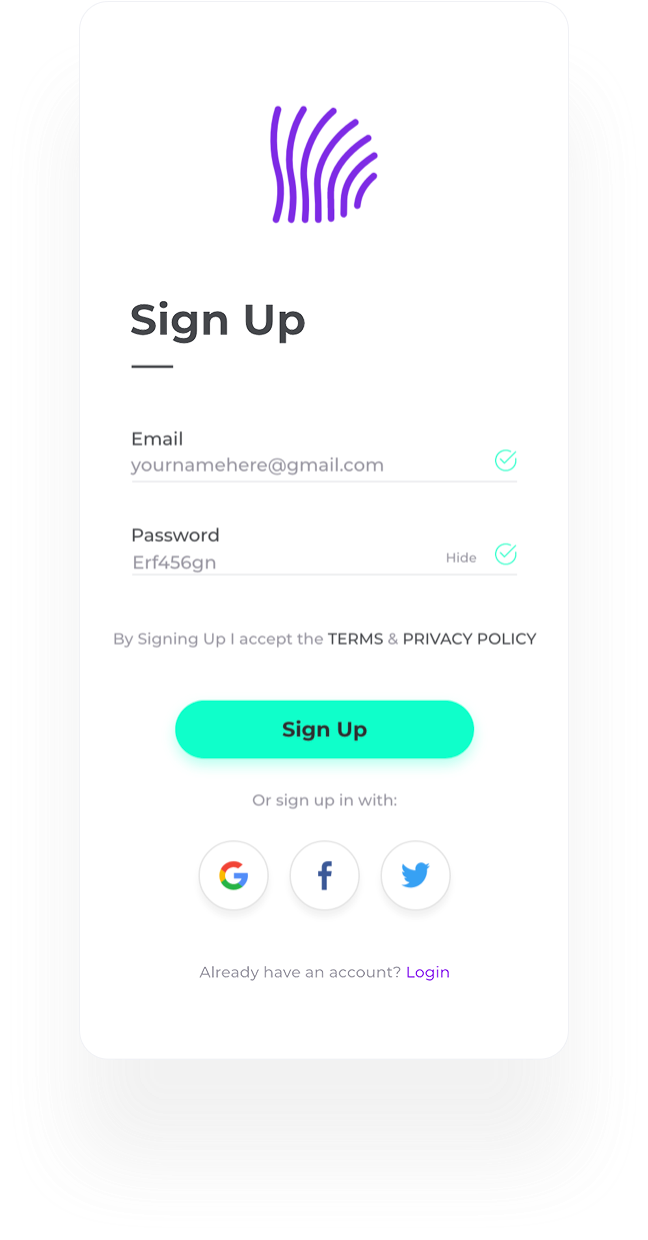
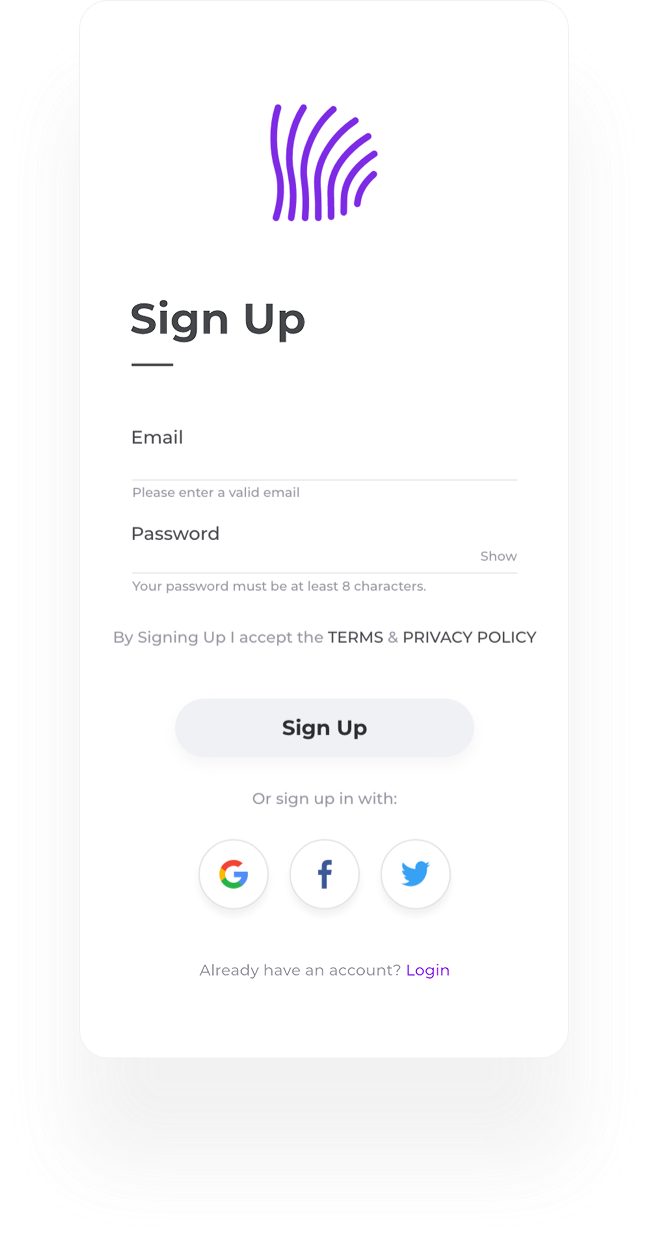
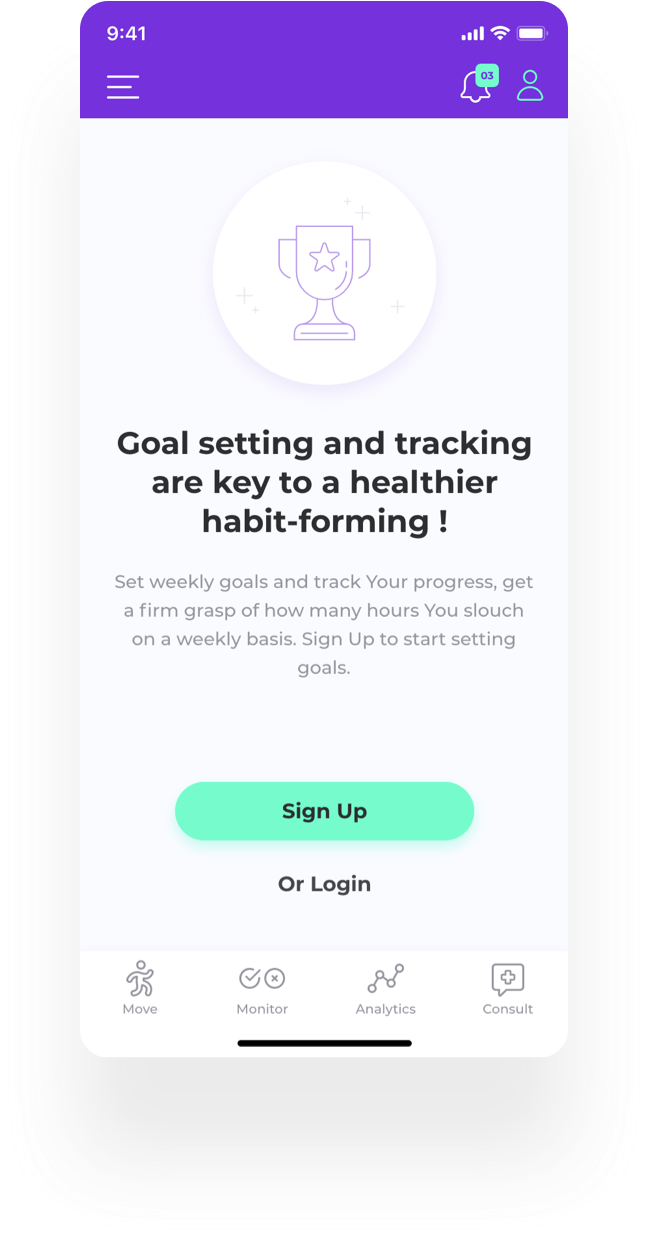
When the user chooses not to sign up for now, they get a pop up, explaining the benefits of signing up. The User can track posture without registration - to get a sense of the product but won’t be able to receive analytics and set personal goals before registration.

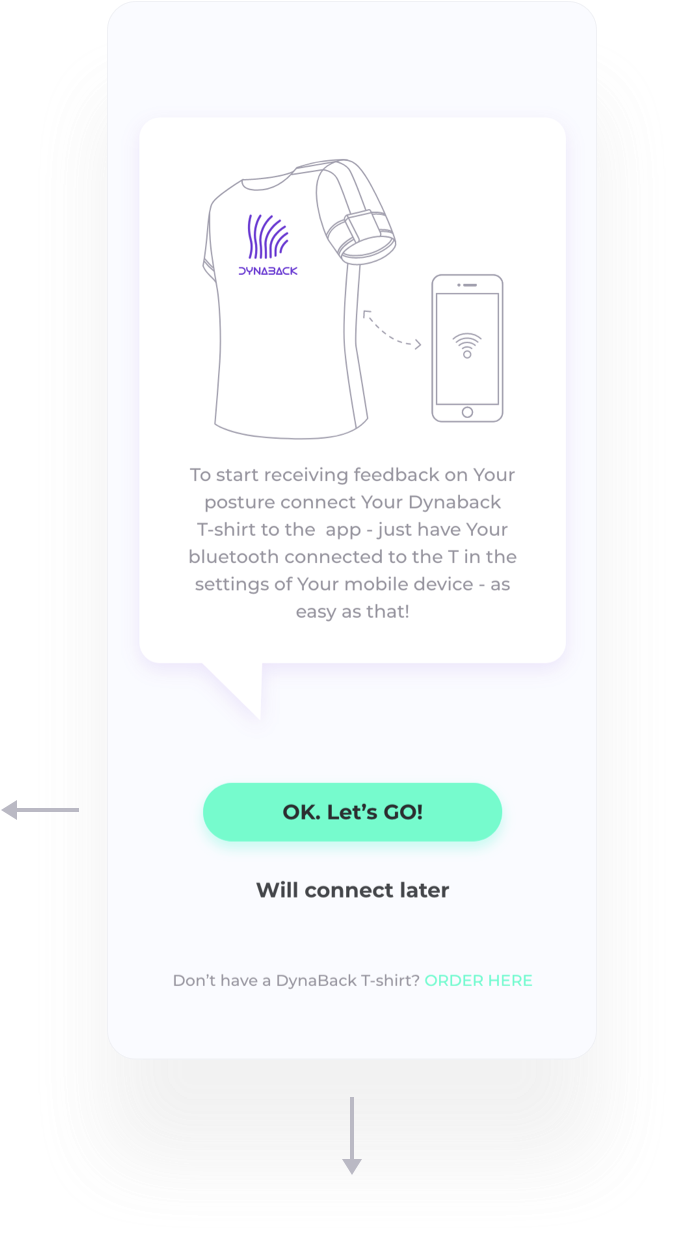
01. Allow the app to use Your Bluetooth in your phone’s settings. Making a custom permission allows us to explain better the benefits of using the app combined with the T-shirt.
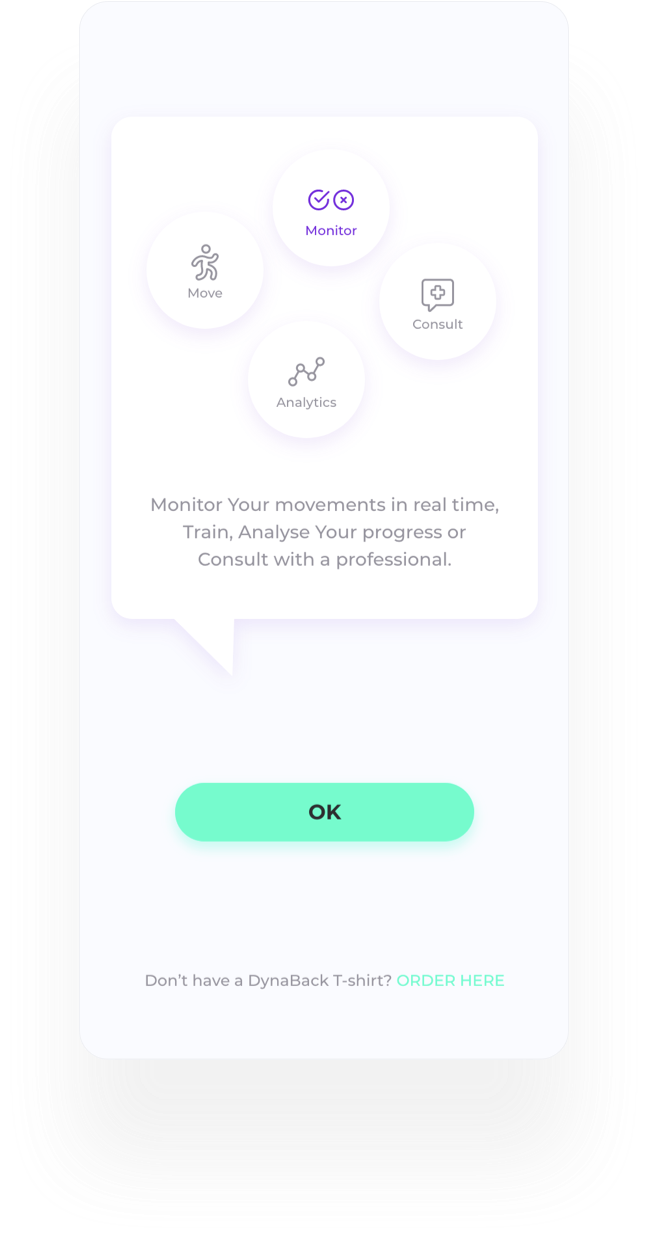
02. Functions Introduction - first time users only (logged in and signed up)
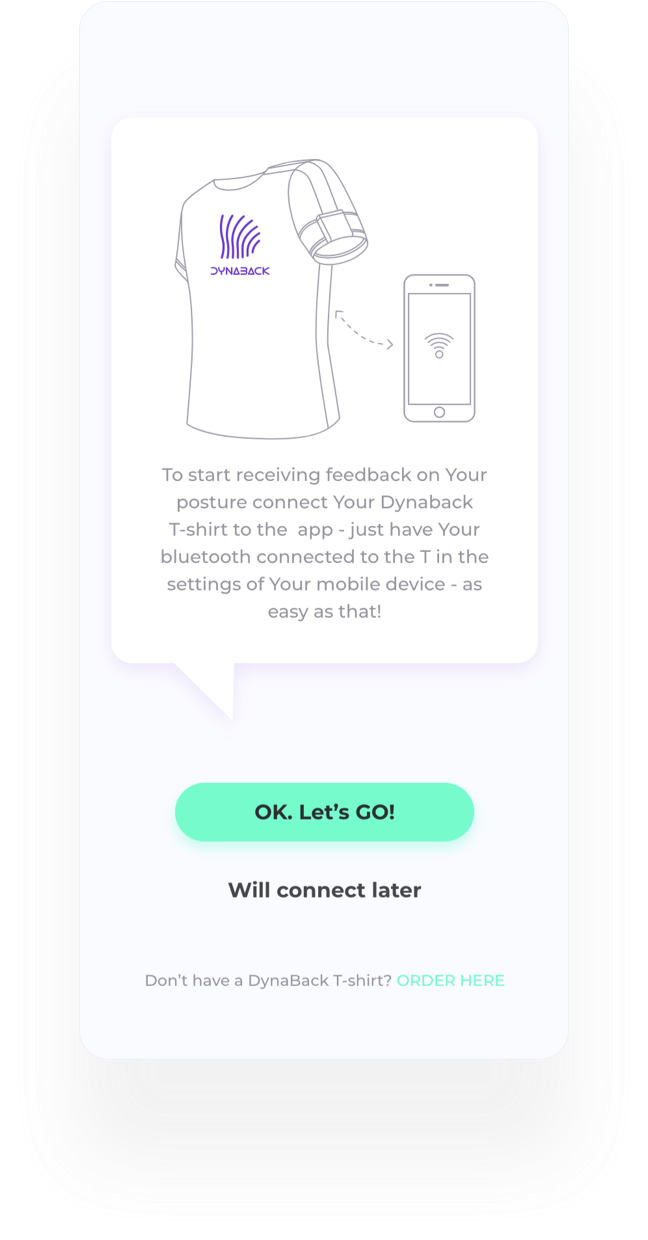
03. User has not allowed Bluetooth access and is redirected to "Move" section, so that they may still experience some of the app’s benefits.
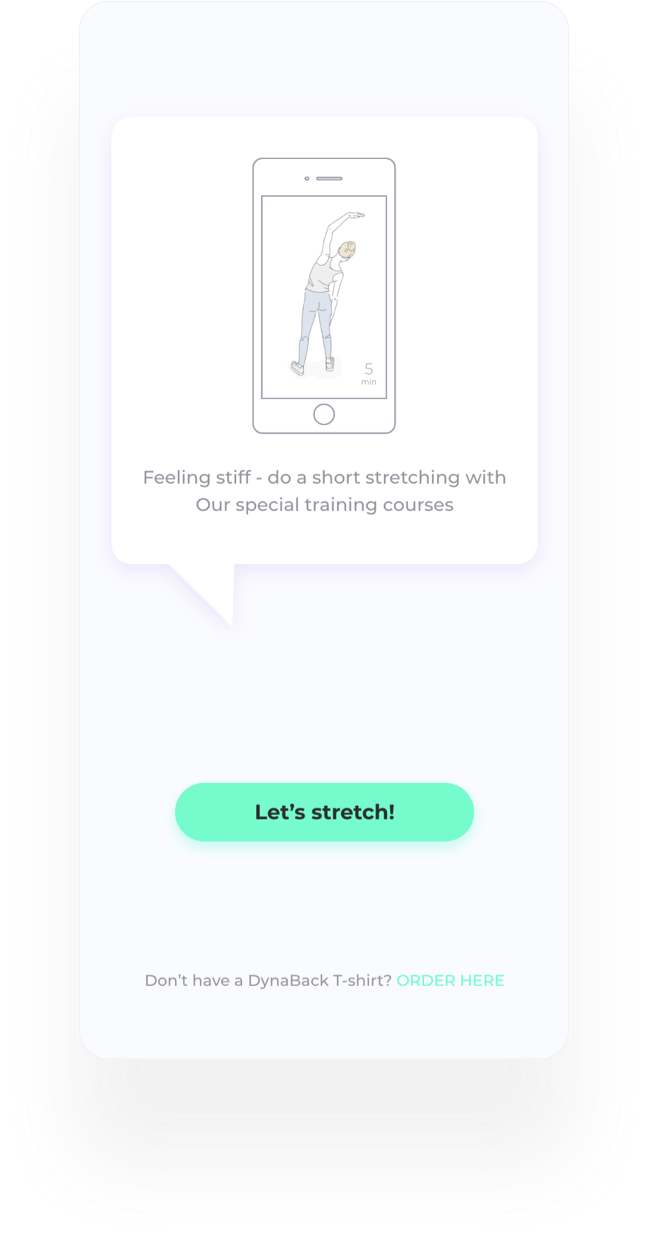
Calibration of the T-shirt is done by performing a short stretch.If the user is reluctant to calibrate by making a 1 min stretch at the moment and presses “stretch later” we remind them the value of even the smallest movements in reducing stiffness and improving their productivity. Thus we increase the percent of users successfully starting to use the tracking function of Dynaback T-shirt.
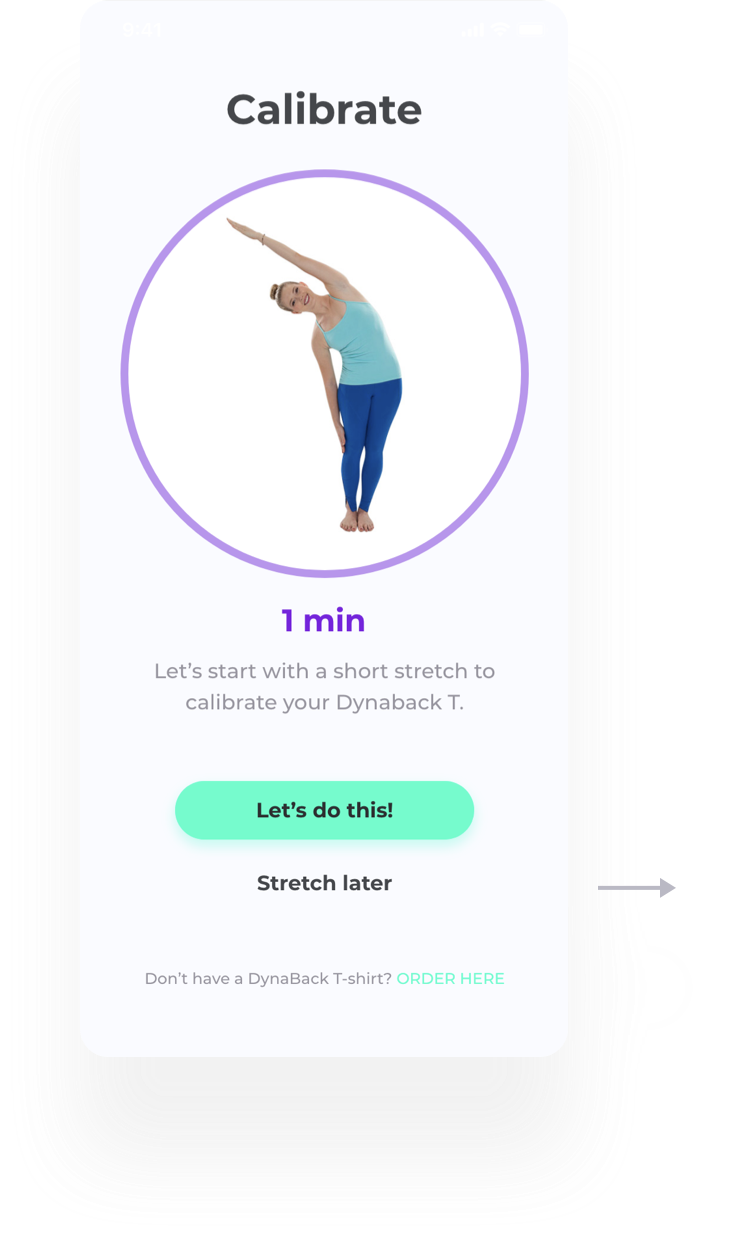
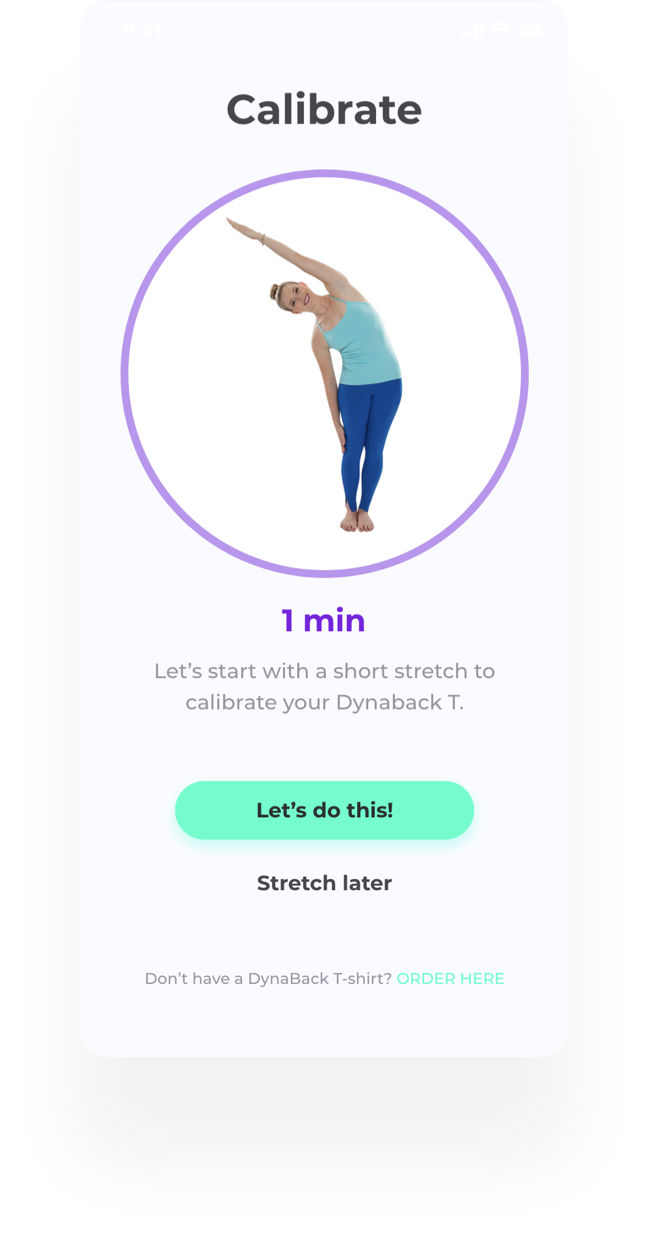
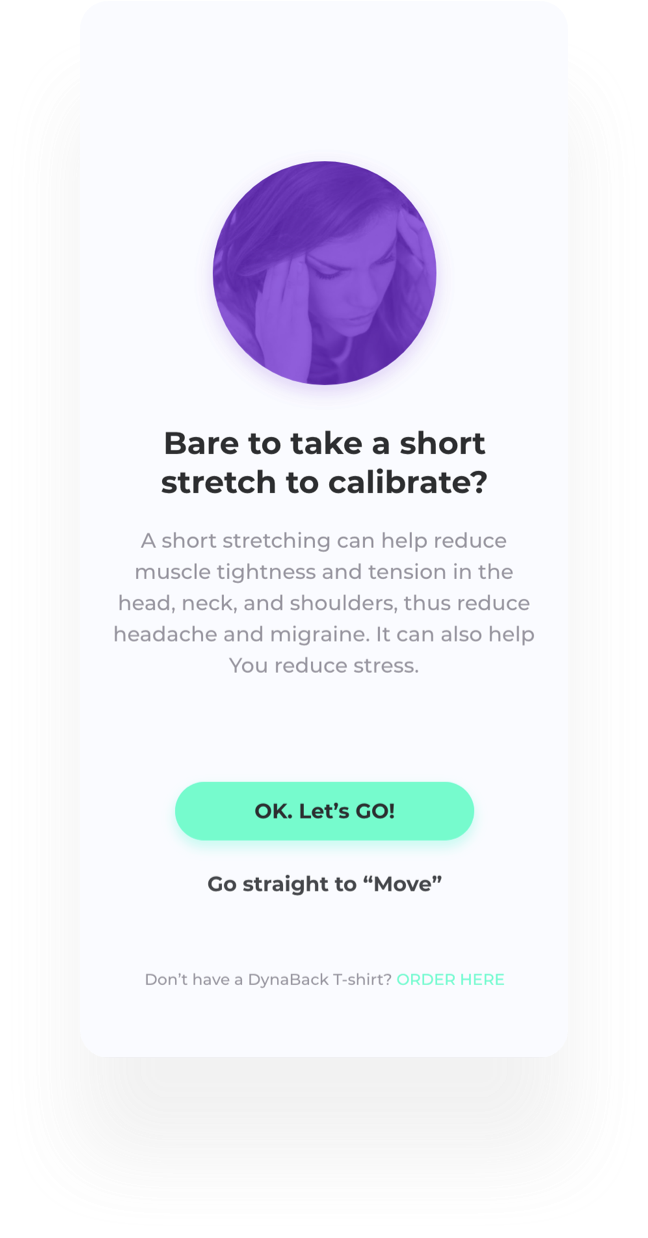
Calibration of the T-shirt is done by performing a short stretch.If the user is reluctant to calibrate by making a 1 min stretch at the moment and presses “stretch later” we remind them the value of even the smallest movements in reducing stiffness and improving their productivity. Thus we increase the percent of users successfully starting to use the tracking function of Dynaback T-shirt.
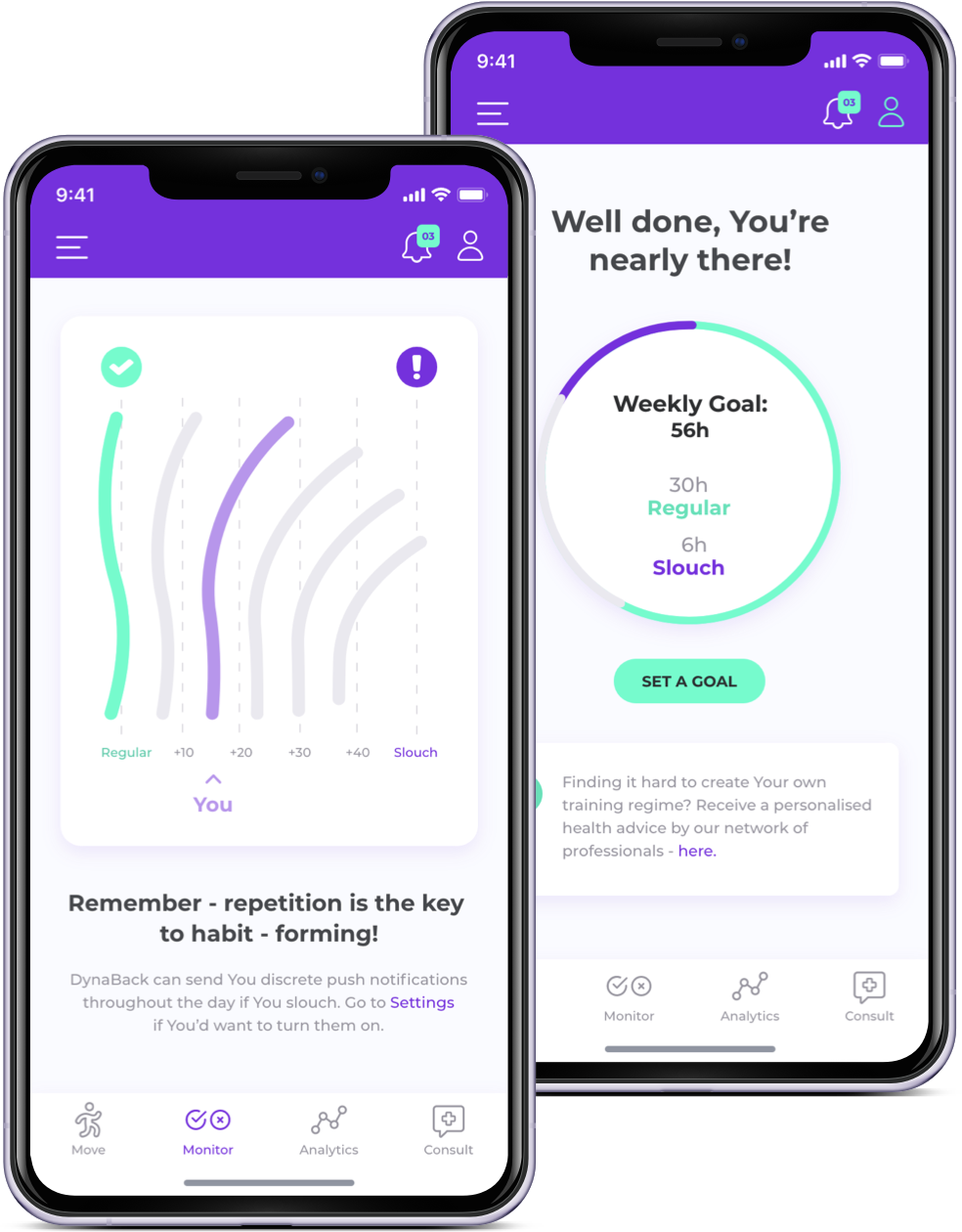
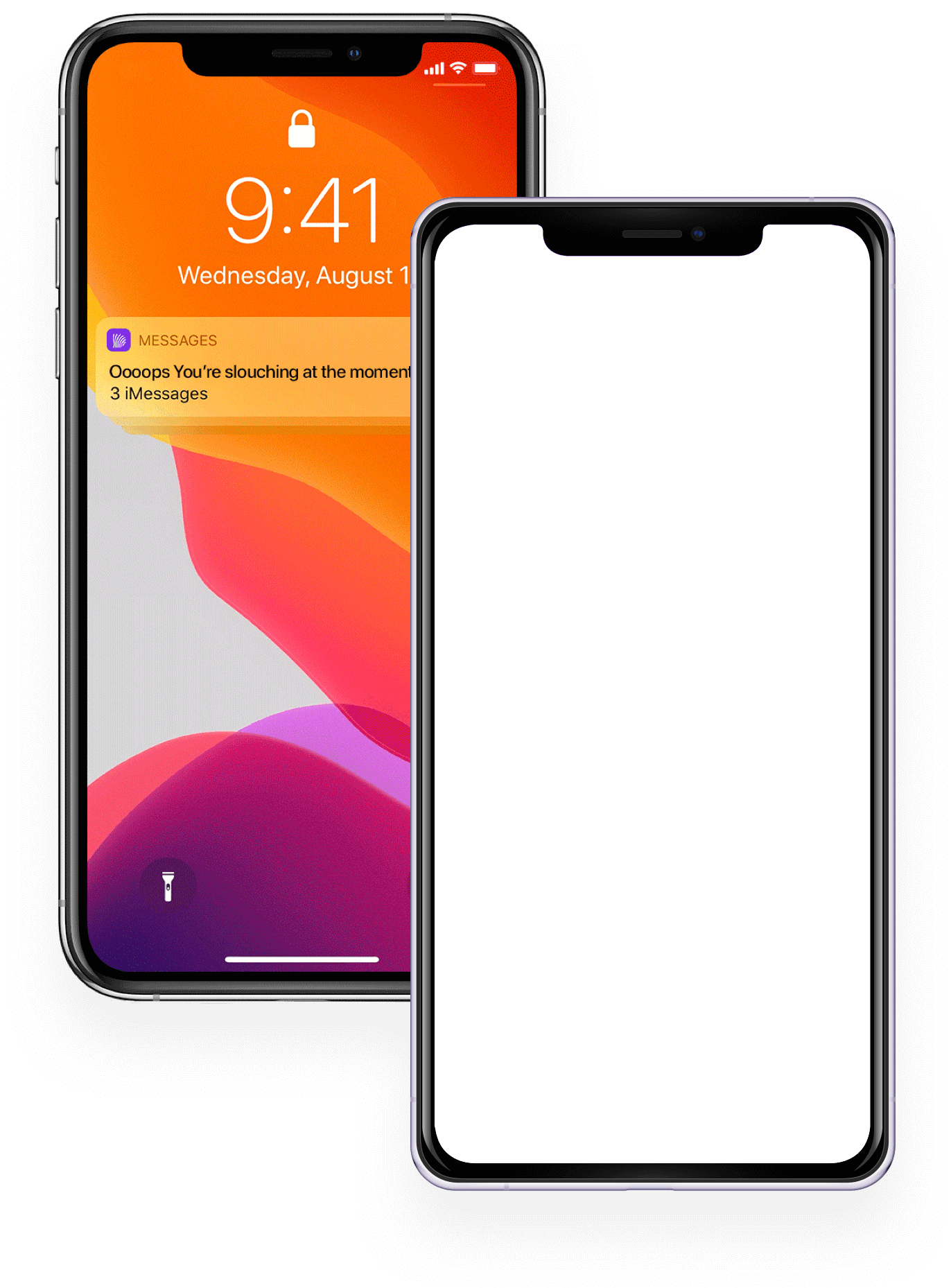
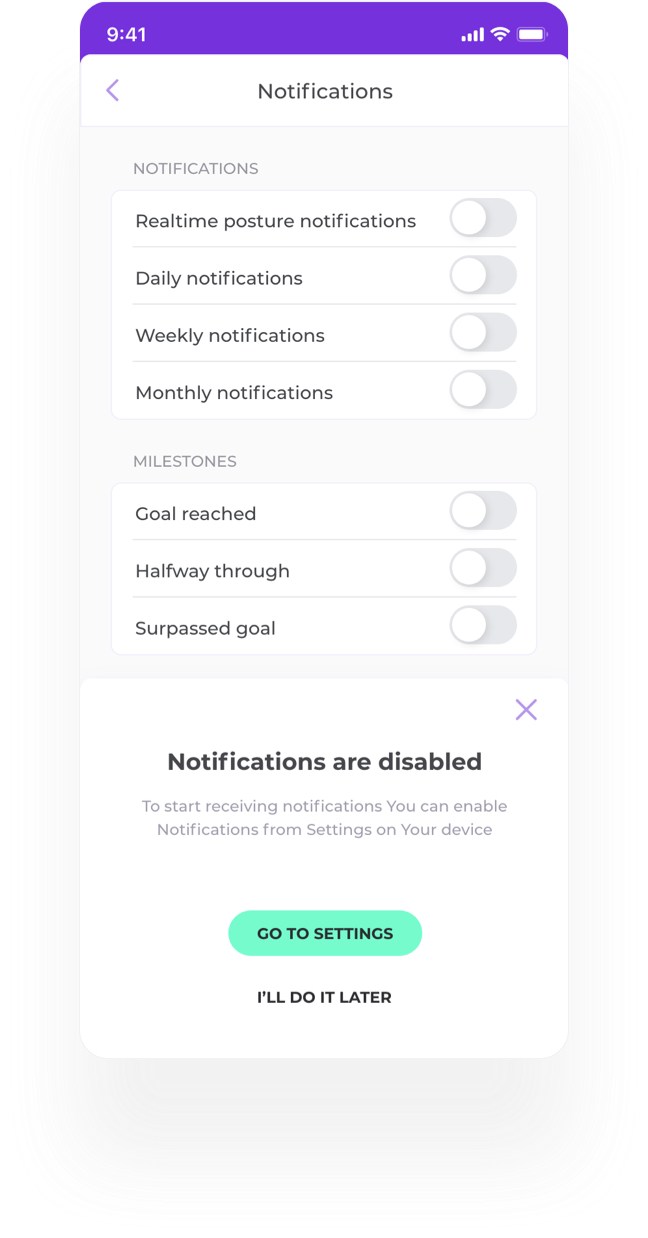
Having in-app notifications and push notifications(on locked device screen) will keep user engaged with the app. With some appropriate copy we remind them that repetition and consistency are key to forming healthy habits.
The “Move” section contains custom sets of exercises - short video recordings of yoga, pilates teachers and rehabilitators who have worked together with Dynaback’s team of chiropractitioners to create content specially focusing on spinal health and movement.This sections gives value for users that still don’t own the t-shirt, or for those who own it and need additional engagement. ( Custom Messaging in the “+” section of the “Move” screen would target different types of users). The “Empty/pre-release” state of the screen for users that have not yet registered is designed to create data base of potential users and customers.
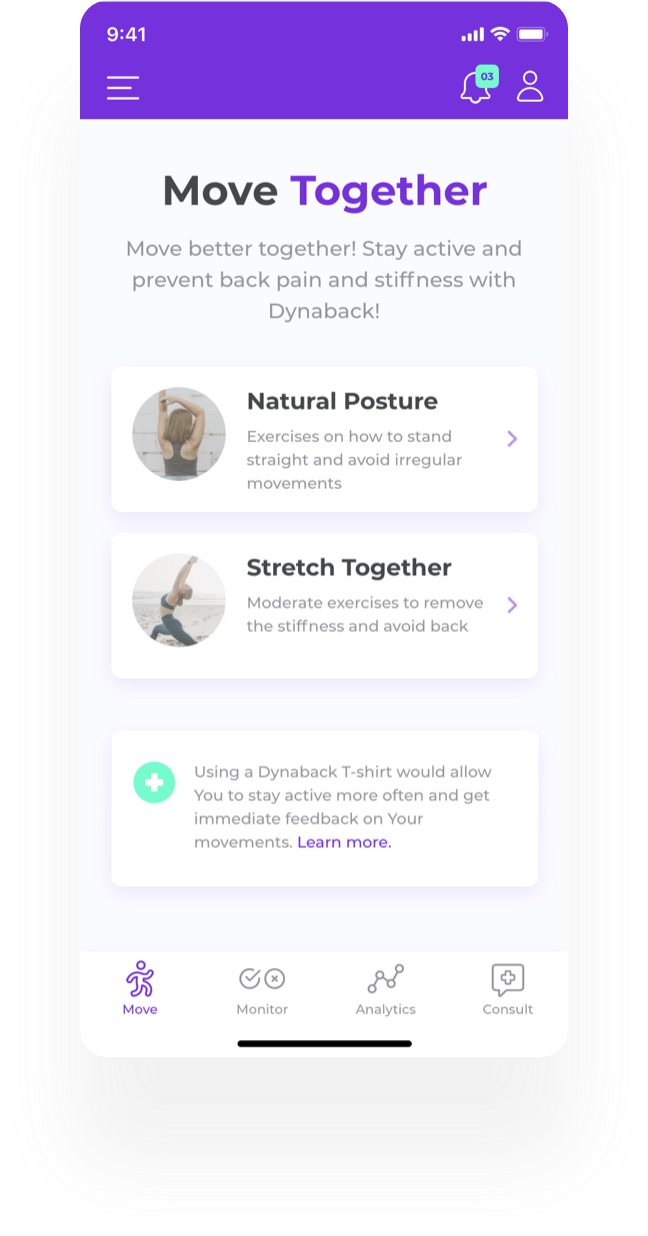
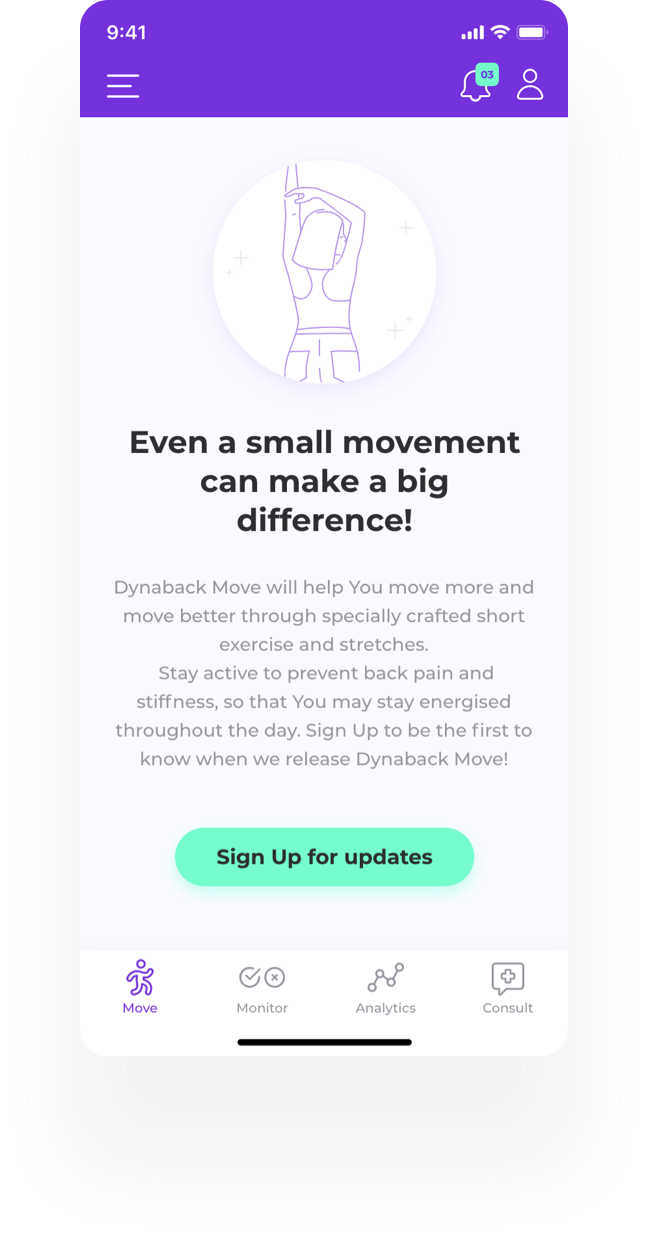
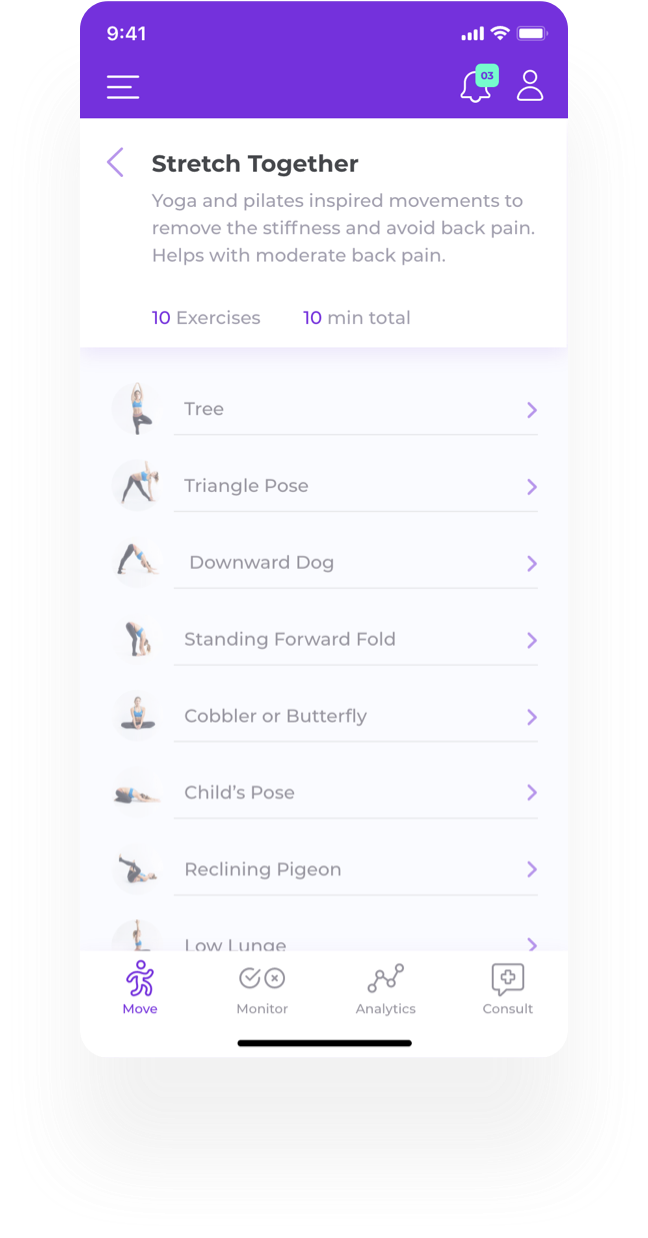
The “Move” section contains custom sets of exercises - short video recordings of yoga, pilates teachers and rehabilitators who have worked together with Dynaback’s team of chiropractitioners to create content specially focusing on spinal health and movement.This sections gives value for users that still don’t own the t-shirt, or for those who own it and need additional engagement. ( Custom Messaging in the “+” section of the “Move” screen would target different types of users). The “Empty/pre-release” state of the screen for users that have not yet registered is designed to create data base of potential users and customers.
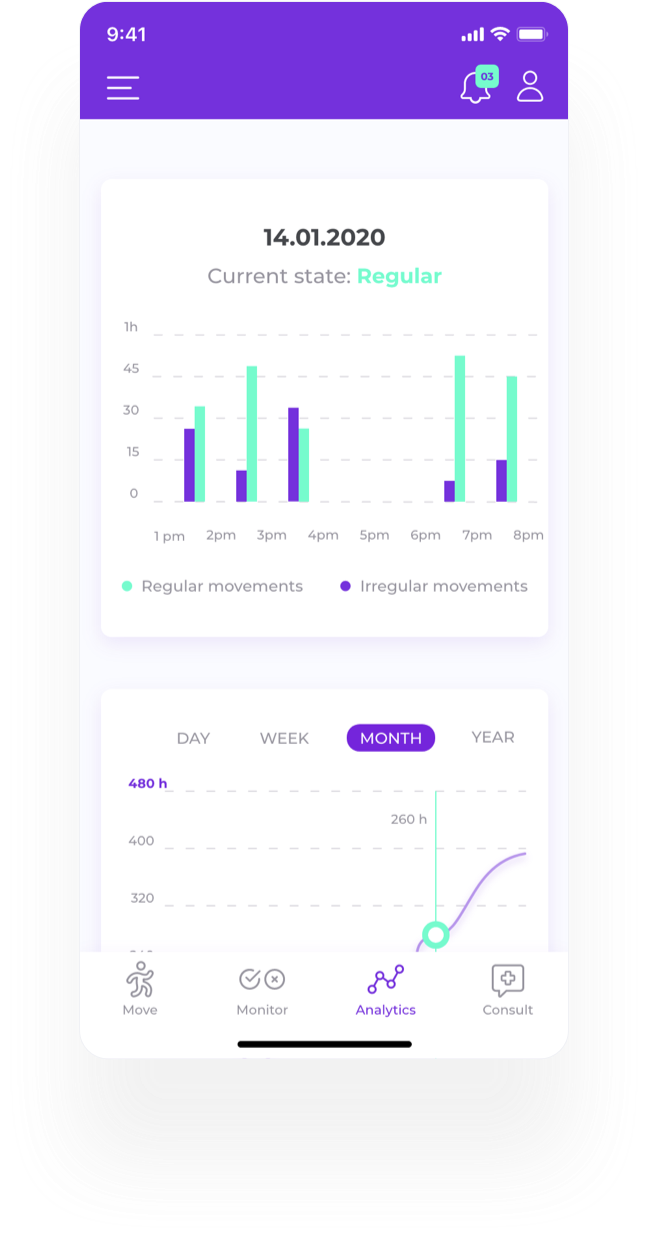
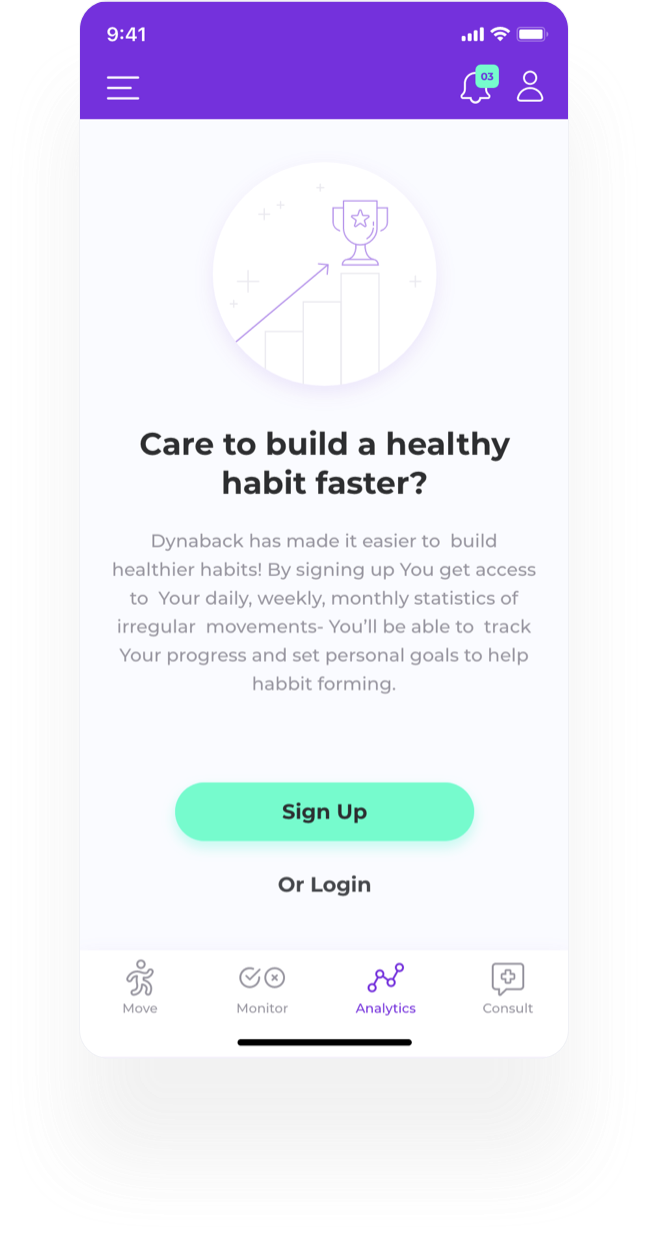
Providing advanced analytics to the users can increase their engagement and ultimately help them achieve their goals- form healthy habits and keep track of their progress. Users get hourly stat on their regular/ irregular movements for the day.Also regular movements measured daily, weekly, monthly. There’s a section for achievements that can be shared on social media to increase the virality of the app. Registration is enhanced through giving access to “Analytics” section to only Signed Up/ Logged in users. Users can read about the benefits of advanced analytics to proceed to registration.
Providing advanced analytics to the users can increase their engagement and ultimately help them achieve their goals- form healthy habits and keep track of their progress. Users get hourly stat on their regular/ irregular movements for the day.Also regular movements measured daily, weekly, monthly. There’s a section for achievements that can be shared on social media to increase the virality of the app. Registration is enhanced through giving access to “Analytics” section to only Signed Up/ Logged in users. Users can read about the benefits of advanced analytics to proceed to registration.
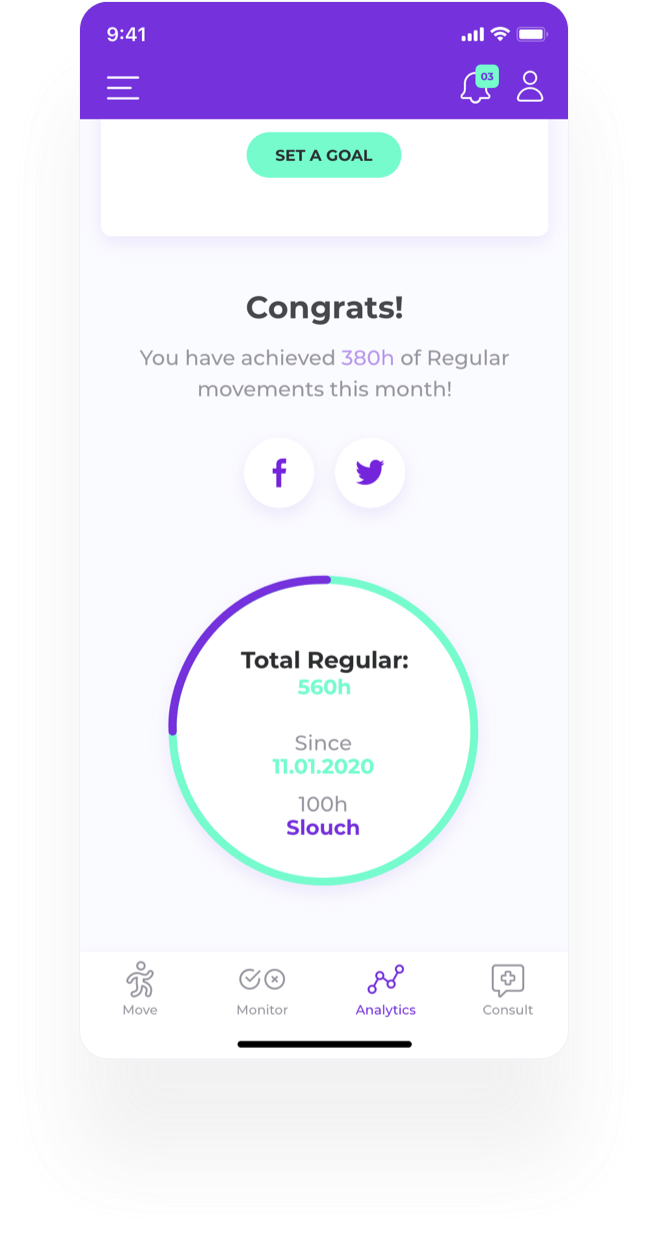
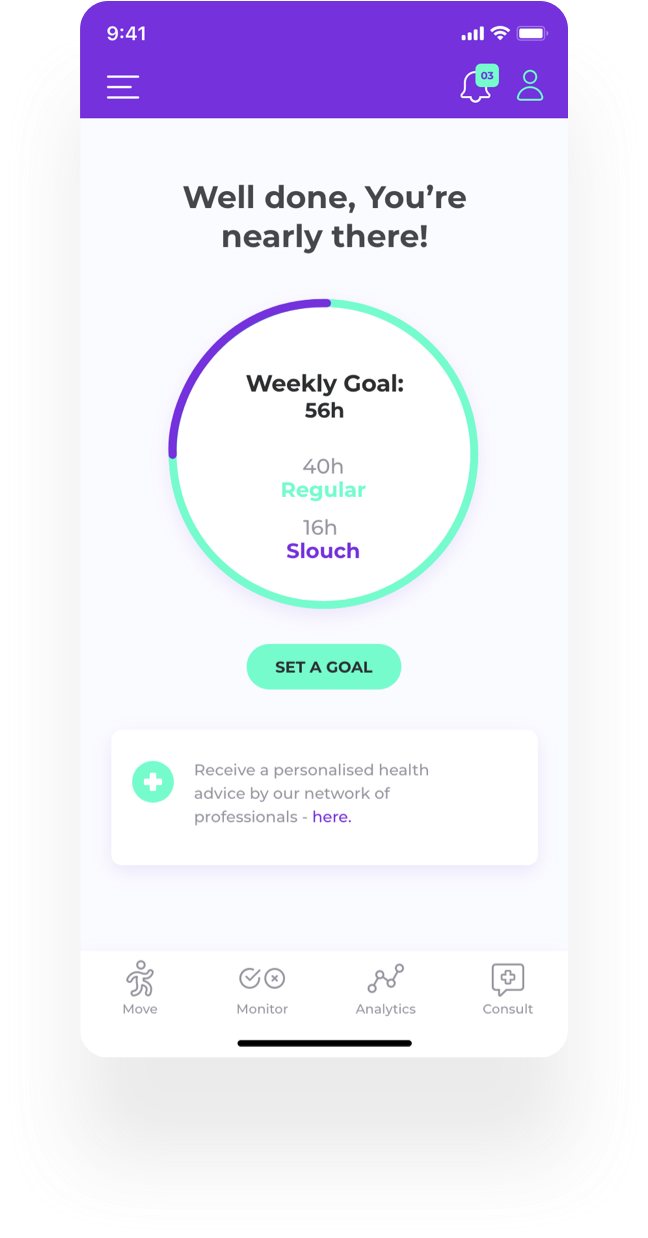
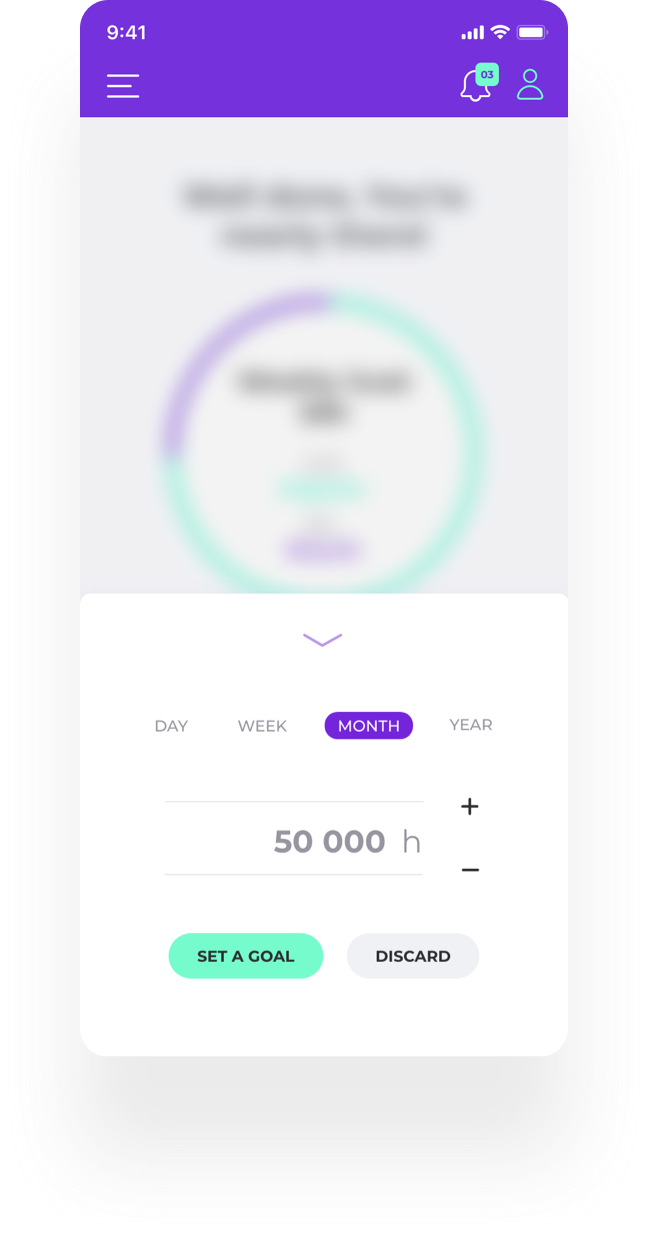
In the personal profile app screen users can track their progress in regular movement and set personal goals. Competing and achieving goals is a useful habit-forming strategy widely used by health-related apps, pedometers, yoga/self-care apps.
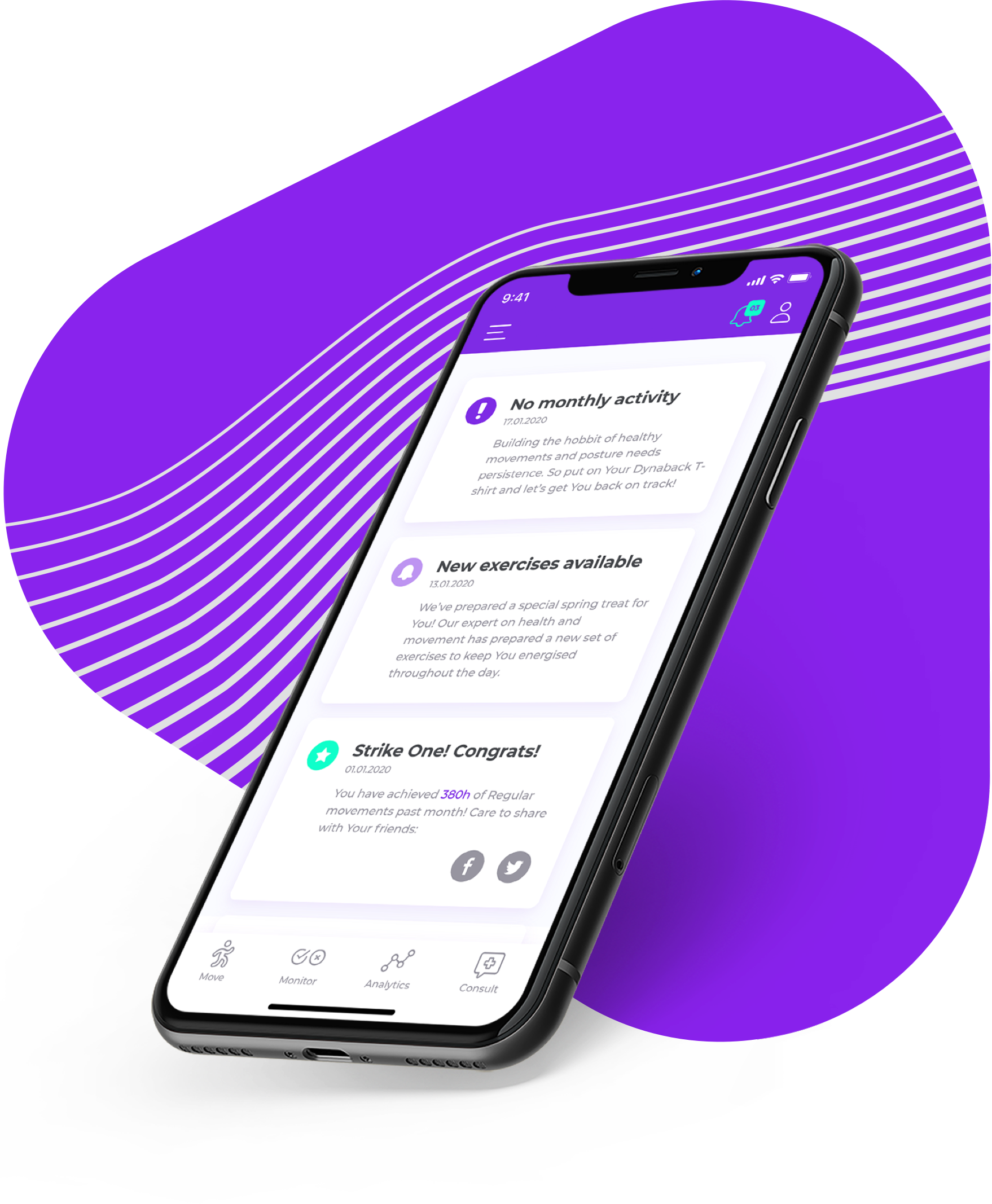
A special “Notifications” section brings additional engagement and new potential subscribers, increase retention and engagement, combining 3 types of notifications:01.Warnings - to remind You if You have not been using the app for a while;02. In app/product updates;03. Personal achievements - to be shared on social media - increase the buzz around the app and subsequently increase acquisition.
Users are accustomed to checking their new messages (used in many apps such as Facebook, Messenger, Instagram etc.), so they would want to open this section so that they don’t miss out (fear of missing out).
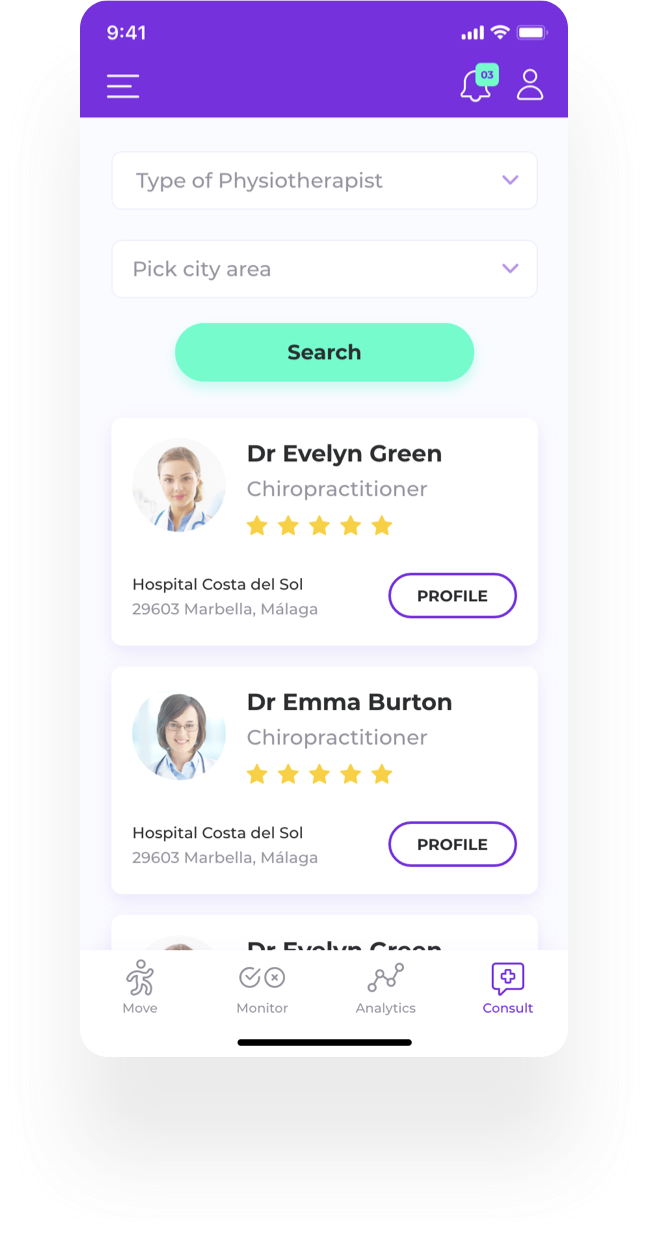
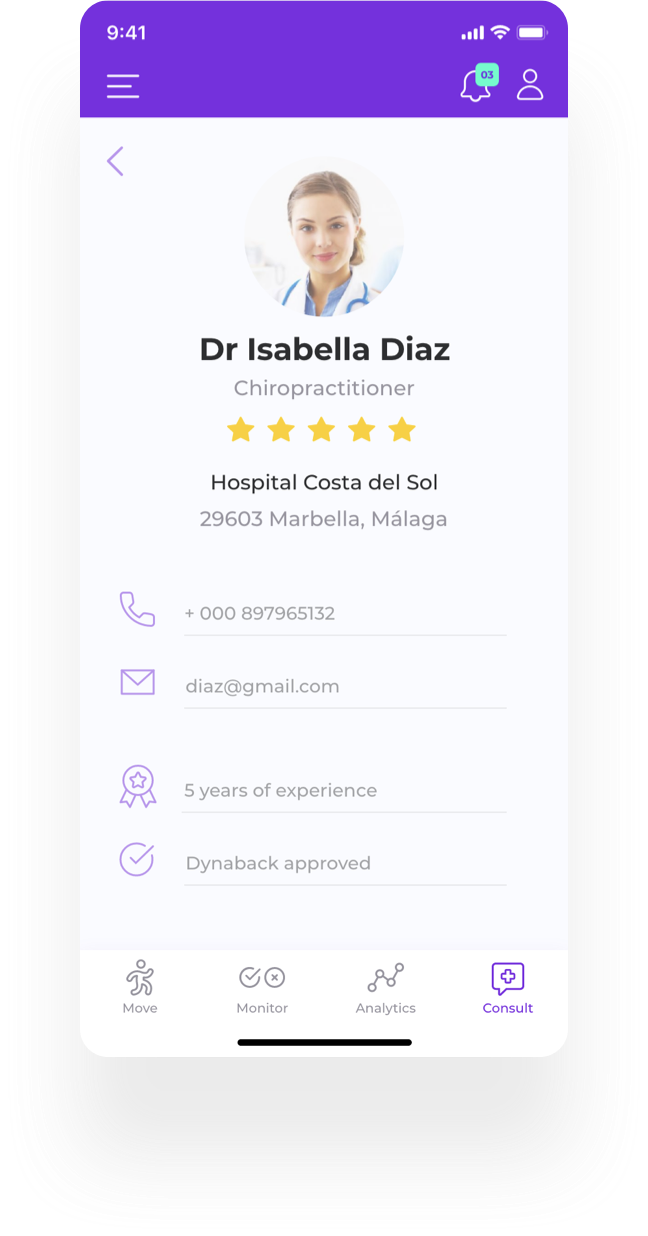
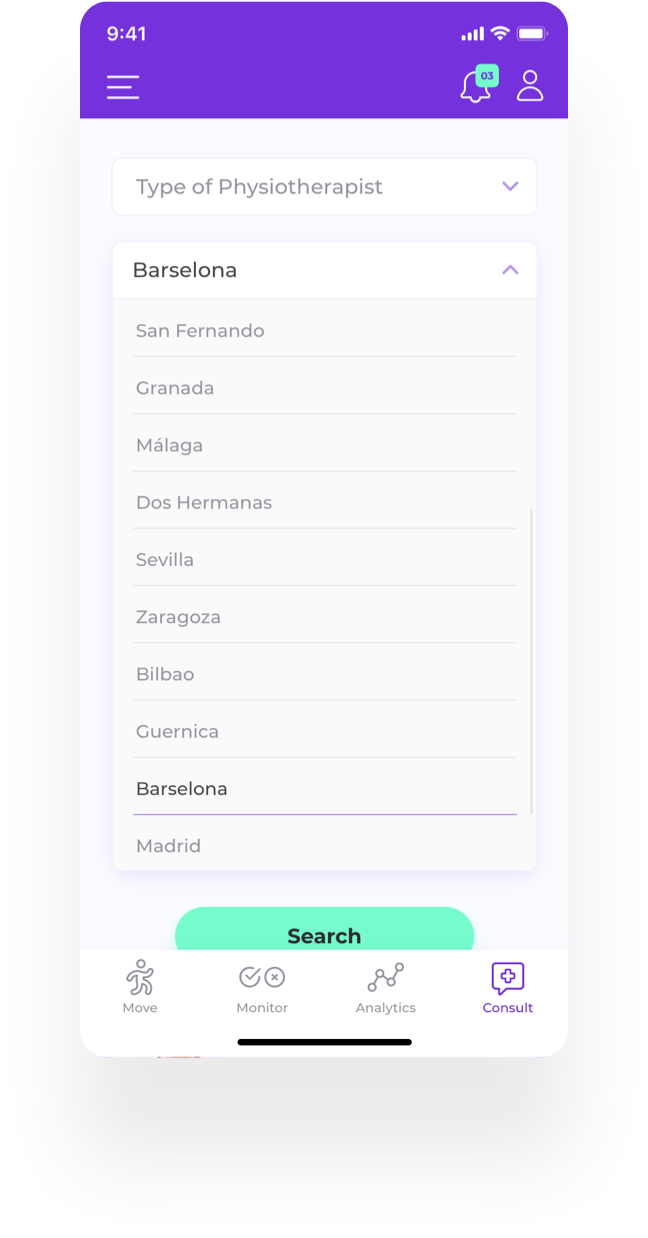
Dynaback provides additional value and creates credibility by providing access to a community of physiotherapist, specialised in the field of spinal injuries, spinal movement and posture. Users can find the right physiotherapist for their specific needs, browsing through a handpicked database. Search by location and type of physiotherapist is provided.
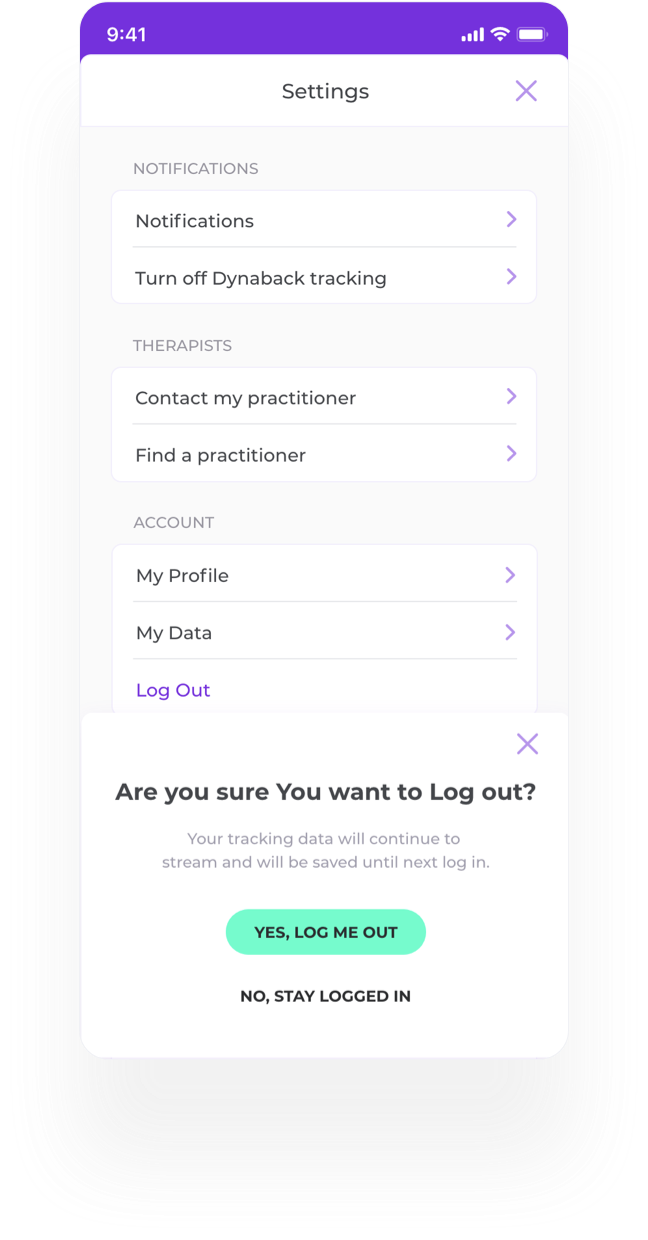
“Logged Out” - users are being informed of the flow of data to the app while being Logged Out.
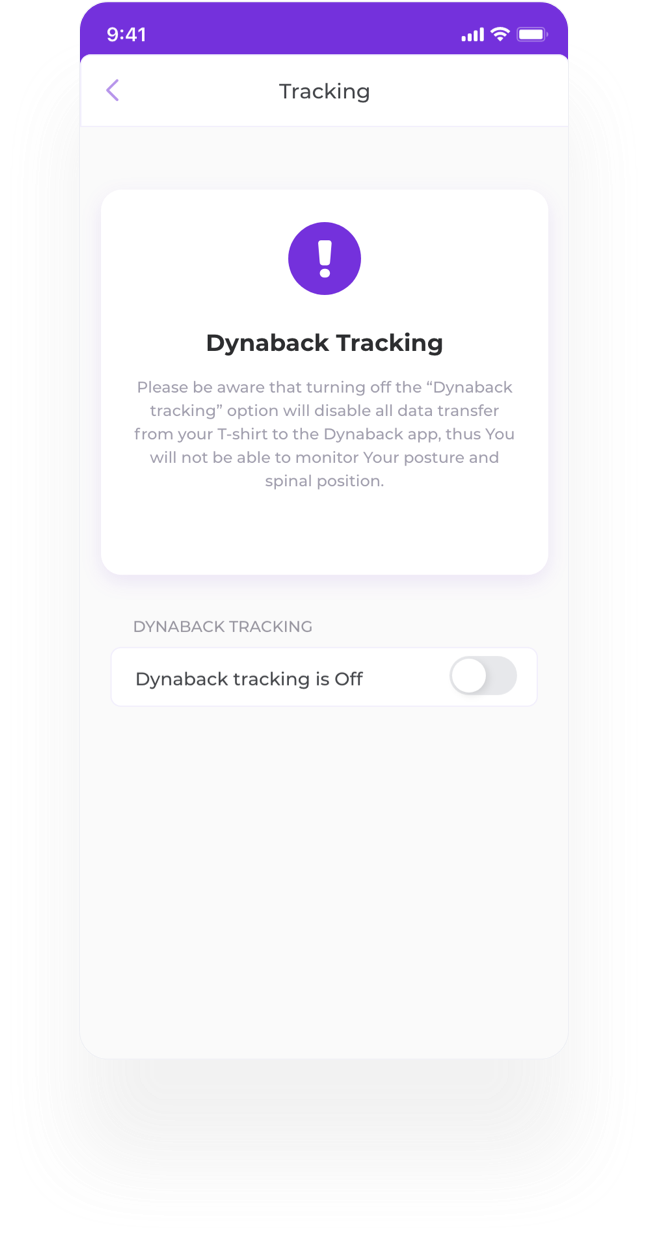
“Turn Off Dynaback Tracking” - users are warned of are the consequences if they might decide to turn off the Dynaback T-shirt tracking.
“Notifications Settings” - users can decide which notifications to receive. Notifications include not only notifications on posture and irregular movements - (daily, weekly, monthly), but also help You to keep on track with the goals You’ve set.
I’ve conducted live usability testing with potential users on the high- fidelity prototype and iterated on the design after the interviews. Based on the feedback - I’ve improved certain aspects of the user experience ( the presented above app screens include the revised version of the design). Additional remote testing is to be completed to bring more insights. Here are some of the insights, feedback and my suggestions:
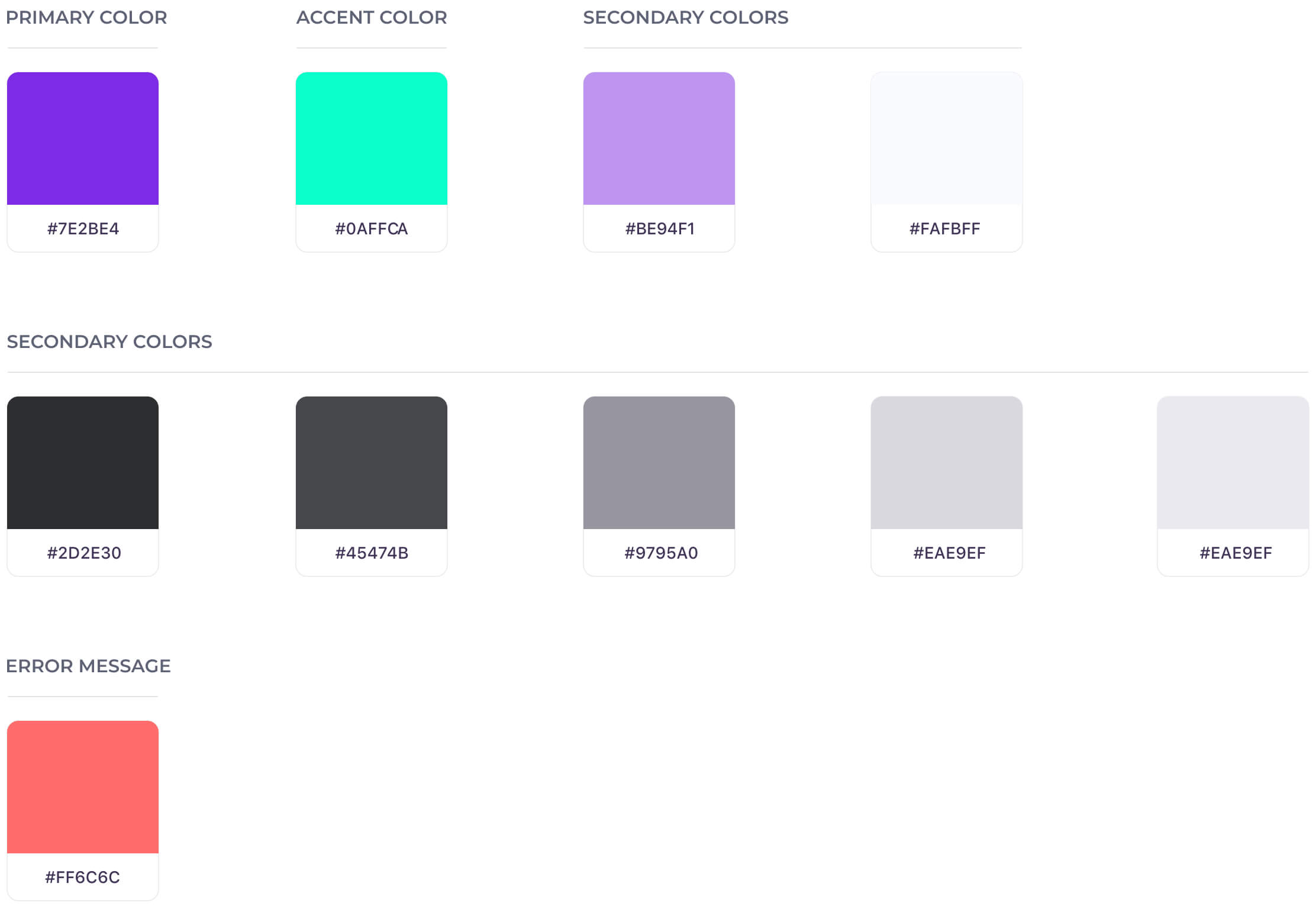
Colors
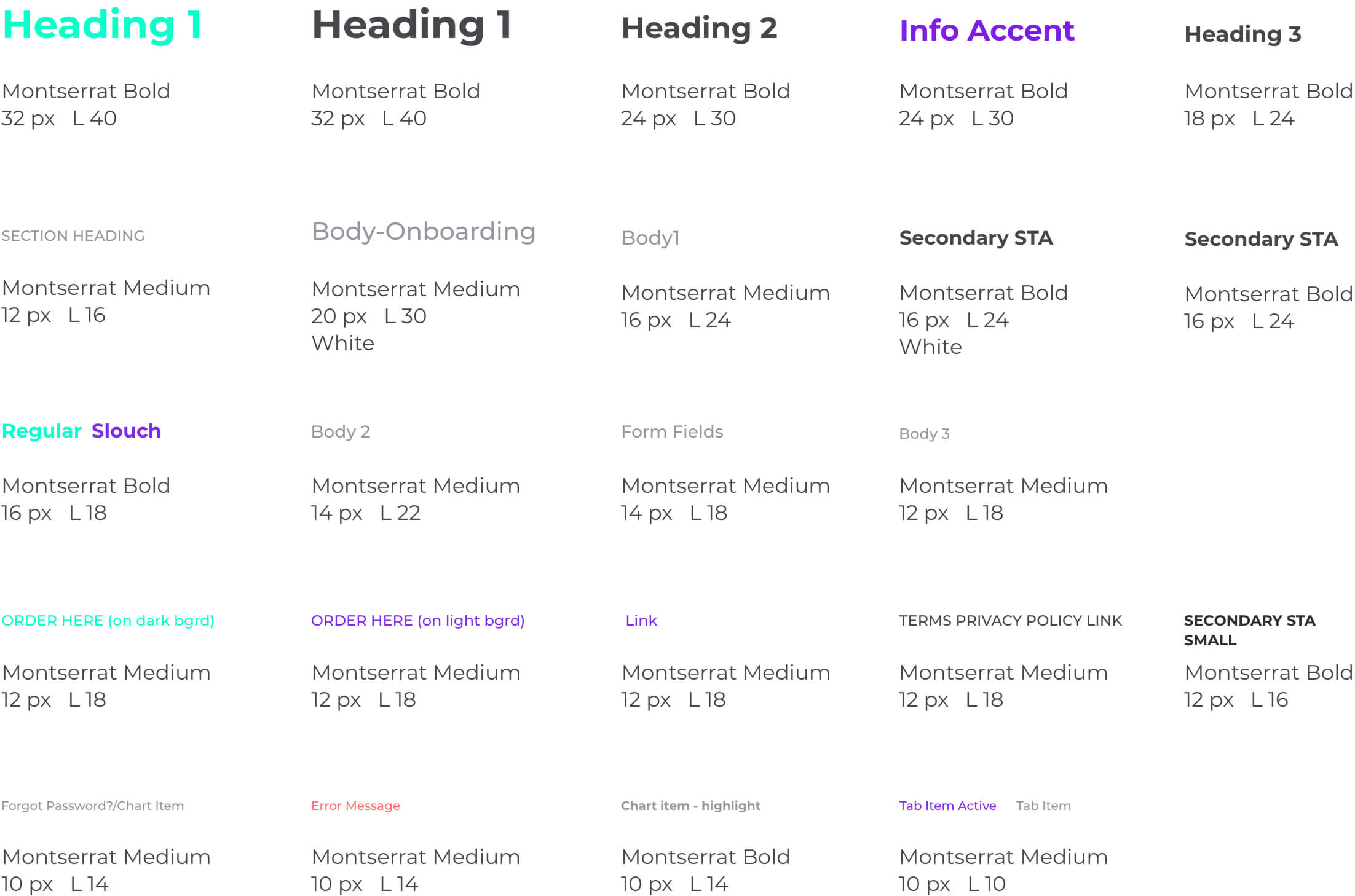
Typography
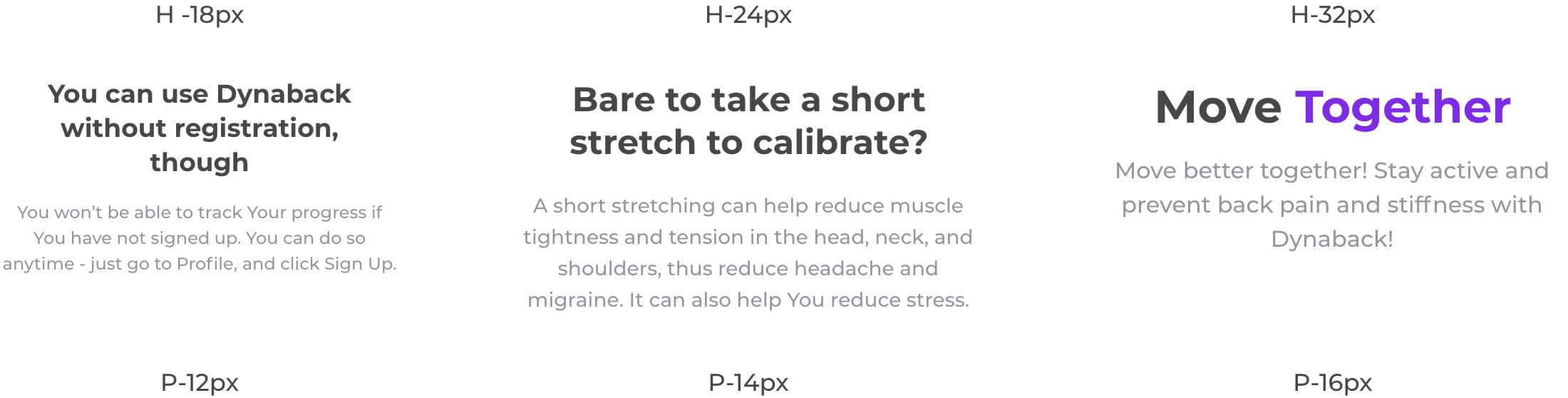
Headings & Body pairings
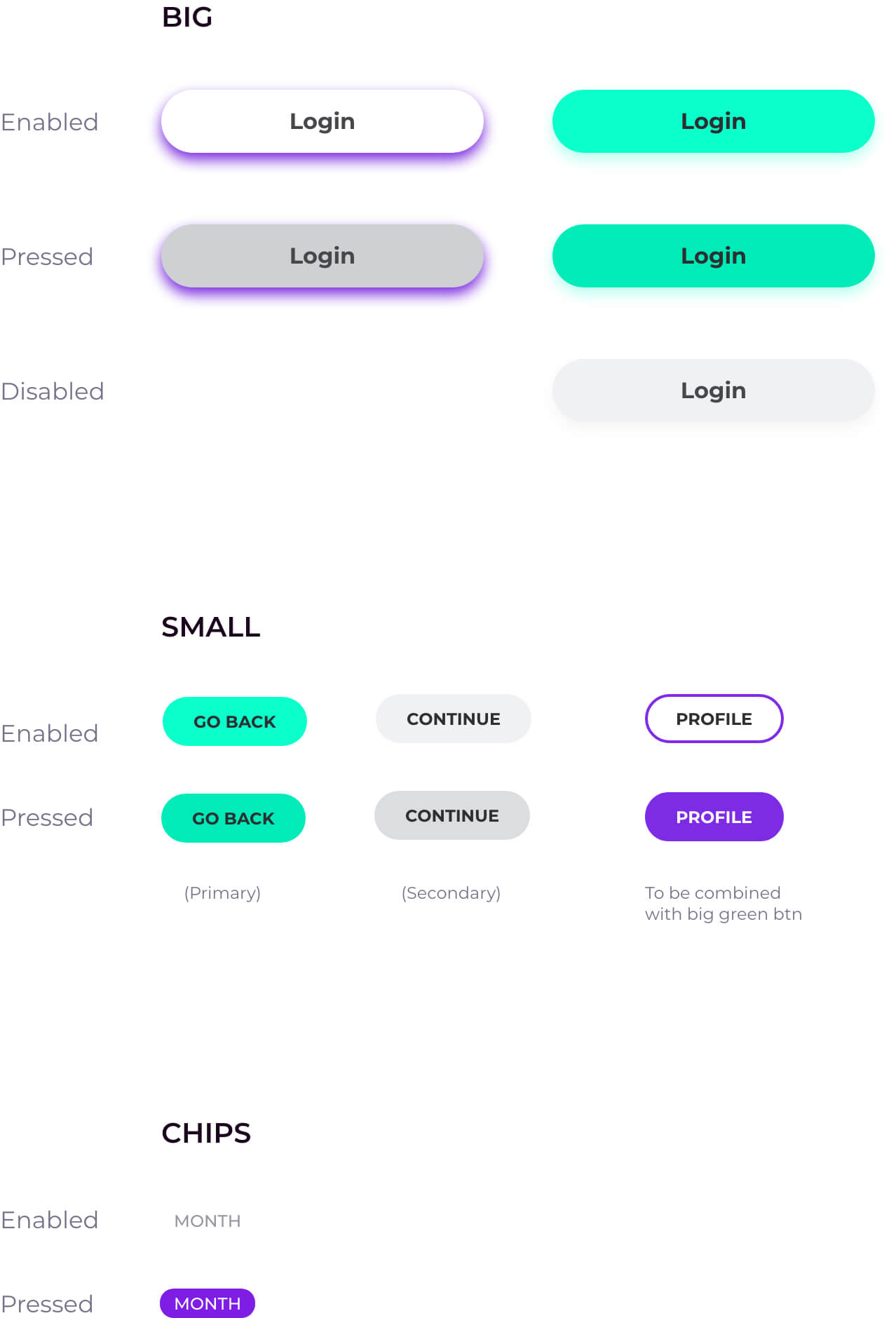
Buttons
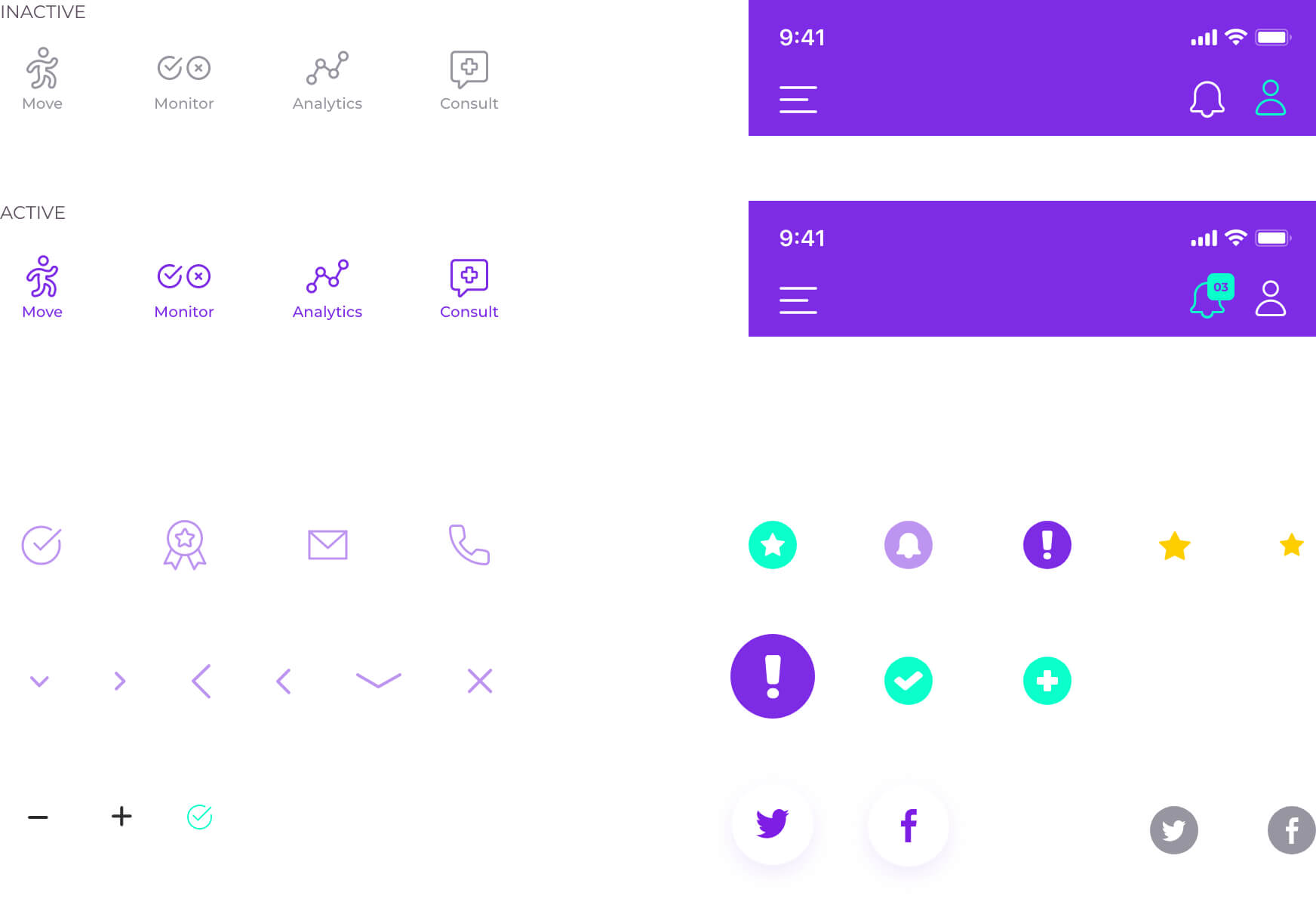
icons
CARDS AND GRAPHS